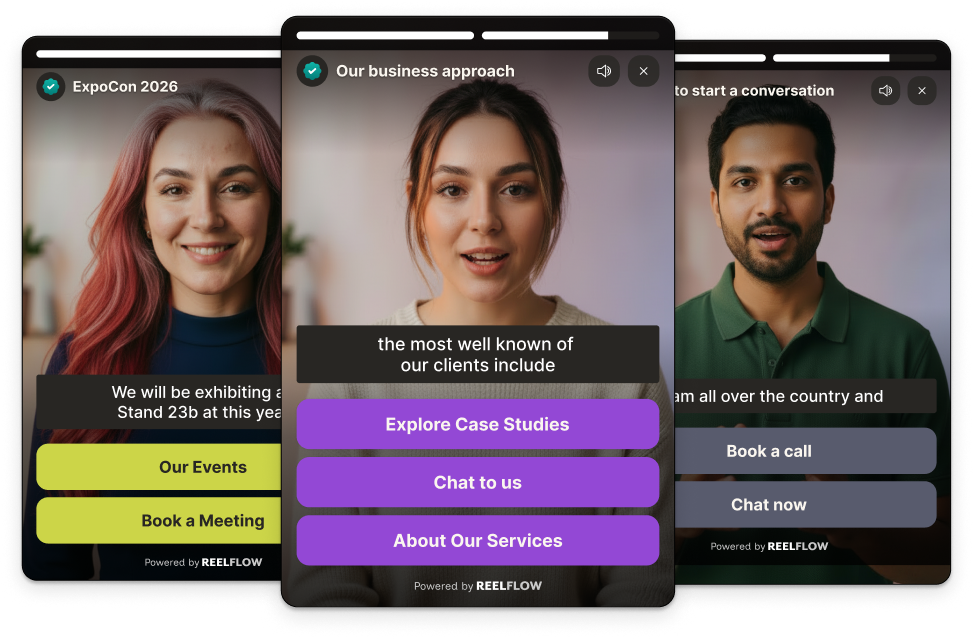


Think about how many times someone visits your event website before they commit.
Almost no one registers, books a stand, or signs a sponsorship on the first visit. They come back – to check the agenda, to see who else is exhibiting, to work out whether it is worth the time or the budget. Every one of those visits is a chance to build excitement and answer a question. Most event websites waste them.
That is the odd thing about our industry. A live event is the most human thing in B2B – energy, faces, conversations, a show floor. And then the website that sells it is a wall of text: a "why attend" page, a downloadable prospectus, an agenda in a PDF, a grid of speaker headshots. The experience online is nothing like the experience in the room.
Meanwhile the people you are trying to reach have changed. Around 81% of buyers complete most of their research before speaking to sales (6sense 2024), and 87% say video influences their decisions (Wyzowl, State of Video Marketing 2025). Your exhibitors, sponsors and delegates are researching your show the way they research everything else – on their own terms, watching rather than reading, forming a view before they ever get in touch.
So the question for organisers has moved on from "should our website have video?" to "which type of tool actually helps our website capture the energy of the show and guide every audience towards registering, sponsoring or exhibiting?" This guide is here to help you answer it.
Why your event website is your hardest-working salesperson
Your website is the one touchpoint every audience visits, repeatedly, in the months before the show. It is doing the work of a salesperson whether you have designed it to or not. The question is whether it is doing that work well.
Why interactive video belongs on event websites in 2026
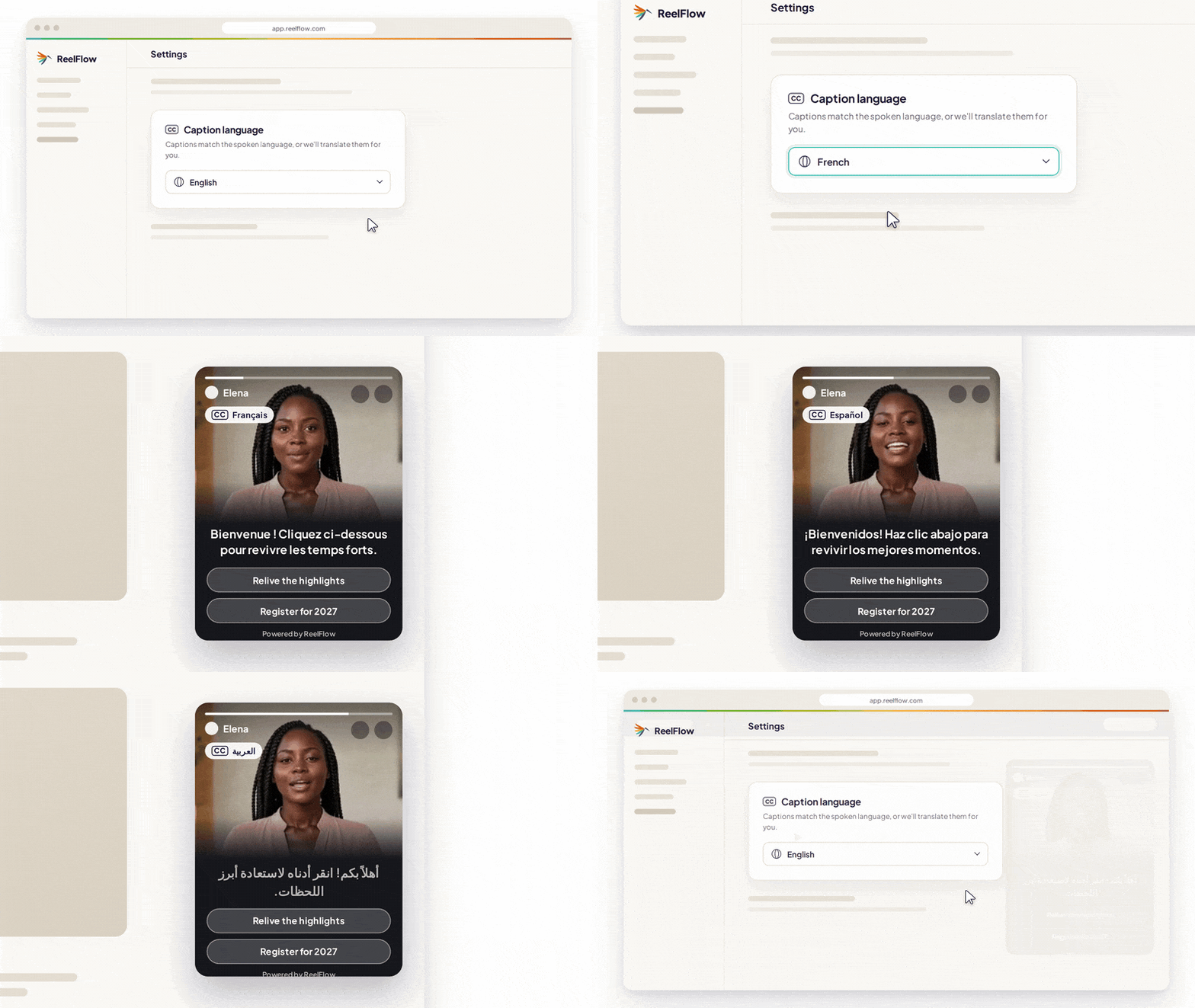
Interactive video sits on top of your existing event website and changes what a visit does. Instead of leaving a visitor to scroll and dig, it greets them with a real person, asks what they are there for, and guides them down a path that fits – all through short video they can explore at their own pace.
That matters for events for a few specific reasons. Buyers take in and remember far more from watching than from reading – so video communicates the value of a show in a way a prospectus never will. A real face builds trust faster than any block of copy, which is exactly what a sponsor needs before parting with budget. And because most of the deciding happens before anyone contacts you, the website visit months out is your best chance to build commitment – not the reminder email the week before.
The problem every event website has: one site, four audiences
Here is the structural bind. A single event website has to serve radically different people at the same time:
- A potential exhibitor or sponsor wants to know about audience quality, buying power and return
- A first-time delegate wants to know, quickly, "is this event for me?"
- A returning delegate needs a reason to come back and get past "been there, done that"
- A speaker wants to understand the platform and whether the audience fits
A static website cannot route these people. It shows everyone the same pages and hopes they find their way. The result is confusion, friction and drop-off – and, because event revenue is tied directly to registrations and sponsor sign-ups, every lost visitor is a measurable loss. Interactive video's branching flows are built precisely for this: ask who someone is, and send them down the right path in seconds.
How to choose the right tool for your event website
Start from the revenue on the line and work backwards to the features. Here is what actually matters for an event website, in order.
Start with the revenue that's on the line
Be specific about which number you are trying to move:
- Sponsor and exhibitor enquiries: Warming inbound interest and shortening the sales cycle, rather than relying on cold outreach to fill packages
- Delegate registrations: Helping new visitors decide faster, and giving returning attendees a reason to come back
- Attendee engagement: Getting registered delegates to arrive prepared, excited and ready to make the most of the show
Pick the one that hurts most this cycle. It decides where you start.
Can it serve every audience from one page?
This is the make-or-break question for events, and it rules a lot of tools out. Can the platform ask a visitor who they are – "I want to exhibit", "I want to attend", "I'm speaking" – and route each one to the content and call to action that fits? Branching flows are the only honest answer to the multi-audience problem. A single linear video, a hosted clip, or a chatbot cannot do it.
Can it keep up with your event calendar?
Your show has a hard deadline, and your content dates fast – speakers change, the agenda shifts, this year's edition needs to look different from last year's. Two things keep a tool viable: fast production (human video that ships in hours, not an agency booking that takes weeks), and the ability to keep content fresh without re-filming every time. An AI stand-in trained on a real team member – your event director, say – lets you generate new video across a portfolio of shows without booking another shoot. And because you will want a presence all year, not just show week, the tool should make it easy to keep the site alive between editions.
Will it show you exhibiting-versus-attending intent?
Standard analytics tell you a page was viewed. The choices a visitor makes inside a flow tell you something far more useful: whether they were researching exhibiting or attending, which sessions they cared about, how far they got. For an organiser, that is a real intent signal you can act on – following up with a warm sponsor lead, or a delegate who explored three sessions but did not register. Look past view counts to what the tool tells you about who each visitor is.
How much will your team have to do?
Event teams are stretched, especially in the run-up. Some tools are self-serve only, which is fine if you have the capacity. Others offer a service layer that handles planning, scripting, production and publishing alongside you – from suggesting where video should go on your site to creating it and putting it live. If website projects have stalled before because no one had time to own them, that service option is often what makes the difference.
The options for event organisers in 2026
Unlike a pure software category, the real choice for an event website is between different approaches. Here they are, from least to most fit for the job.
Do nothing – the static prospectus
The default. Keep the text-heavy "why attend" page and the downloadable PDF prospectus, and rely on outbound sales to fill packages.
The cost: Your website communicates none of the show's energy, pre-qualifies no one, and leaves the researching majority to guess. Sponsors judge the opportunity from a static document; delegates cannot quickly tell whether it is for them. It is the cheapest option today and the most expensive over a cycle.
A website rebuild with a web agency
Commission an agency to redesign the site so it is less static.
Best for: Organisers due a full redesign anyway.
The cost: Slow and expensive, and it does not fix the underlying problem – a prettier static page is still a static page. It also cannot easily route four audiences, and it dates as soon as the next edition changes.
A video agency or traditional production
Bring in a video agency to produce a beautiful show reel or promo film.
Best for: Hero brand moments and sizzle reels.
The cost: Great footage, but it is passive and linear – the visitor watches, they do not choose. It is costly, slow to turn around, and awkward to update when the agenda or speakers change. And it lives on one page rather than guiding the visitor across the site.
Video tools
These are the software tools event teams often weigh up. Each is good at the job it was built for, and the pros and cons below are drawn from real user reviews. But none was built for an event website, and none can route your four audiences from a single page.
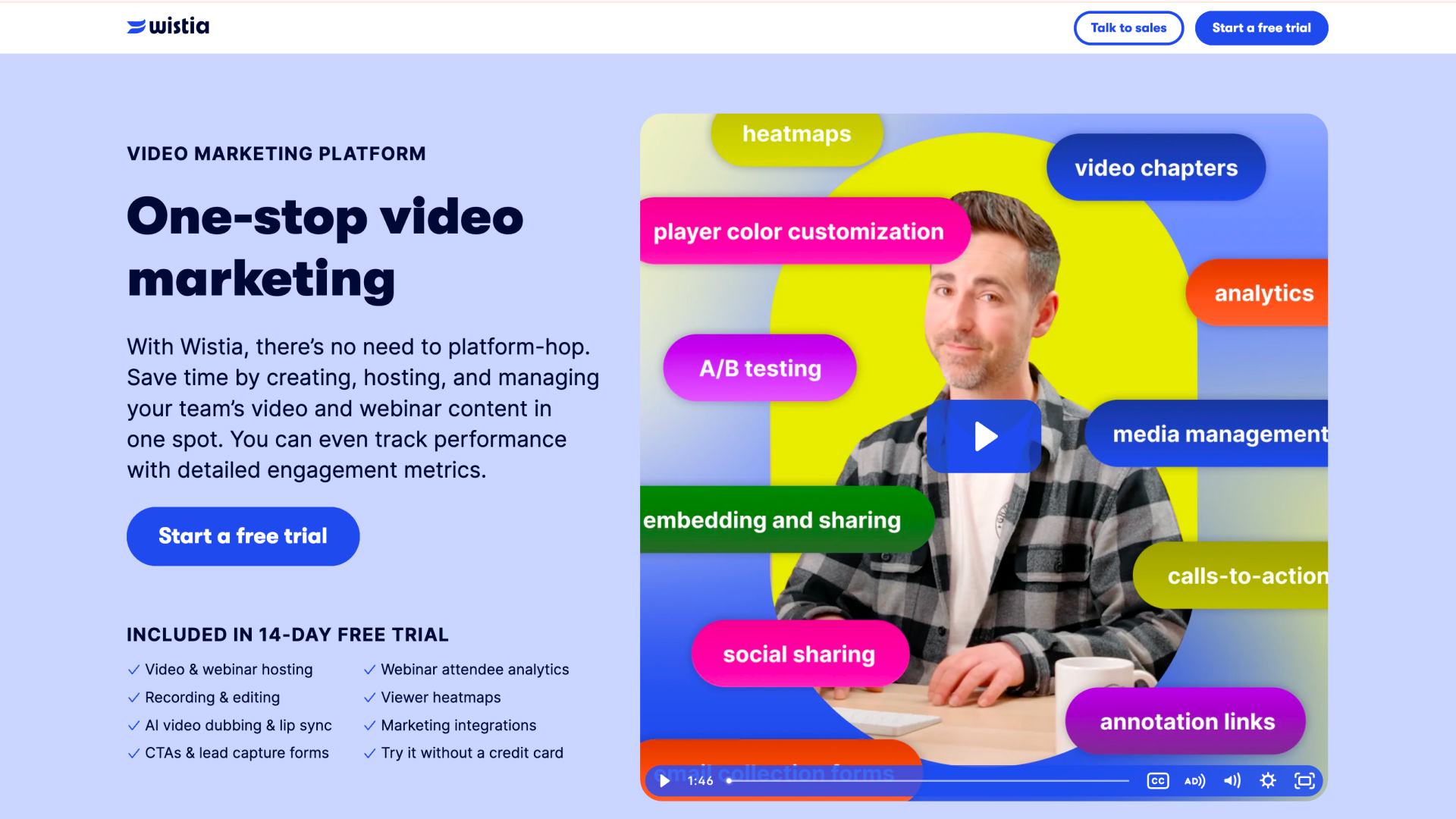
Wistia (video hosting)
Best for events: Hosting branded video – show reels, session recordings, on-demand webinars – and embedding it cleanly on your event site, with solid engagement analytics.
Reviews: 4.6/5 on G2 (1,000+ reviews) and 4.7/5 on Capterra – one of the most reviewed tools here.
Pros (based on real user reviews): Ease of use and engagement analytics are the most-cited strengths; the branded, lightweight player and Turnstile lead-capture forms are well liked, and it keeps viewers on your site rather than sending them to YouTube.
Cons (based on real user reviews): Pricing is the number-one complaint as libraries, bandwidth and features grow. For an event site the deeper limit is structural: it hosts and presents video, it cannot route exhibitors, sponsors and delegates down different paths.
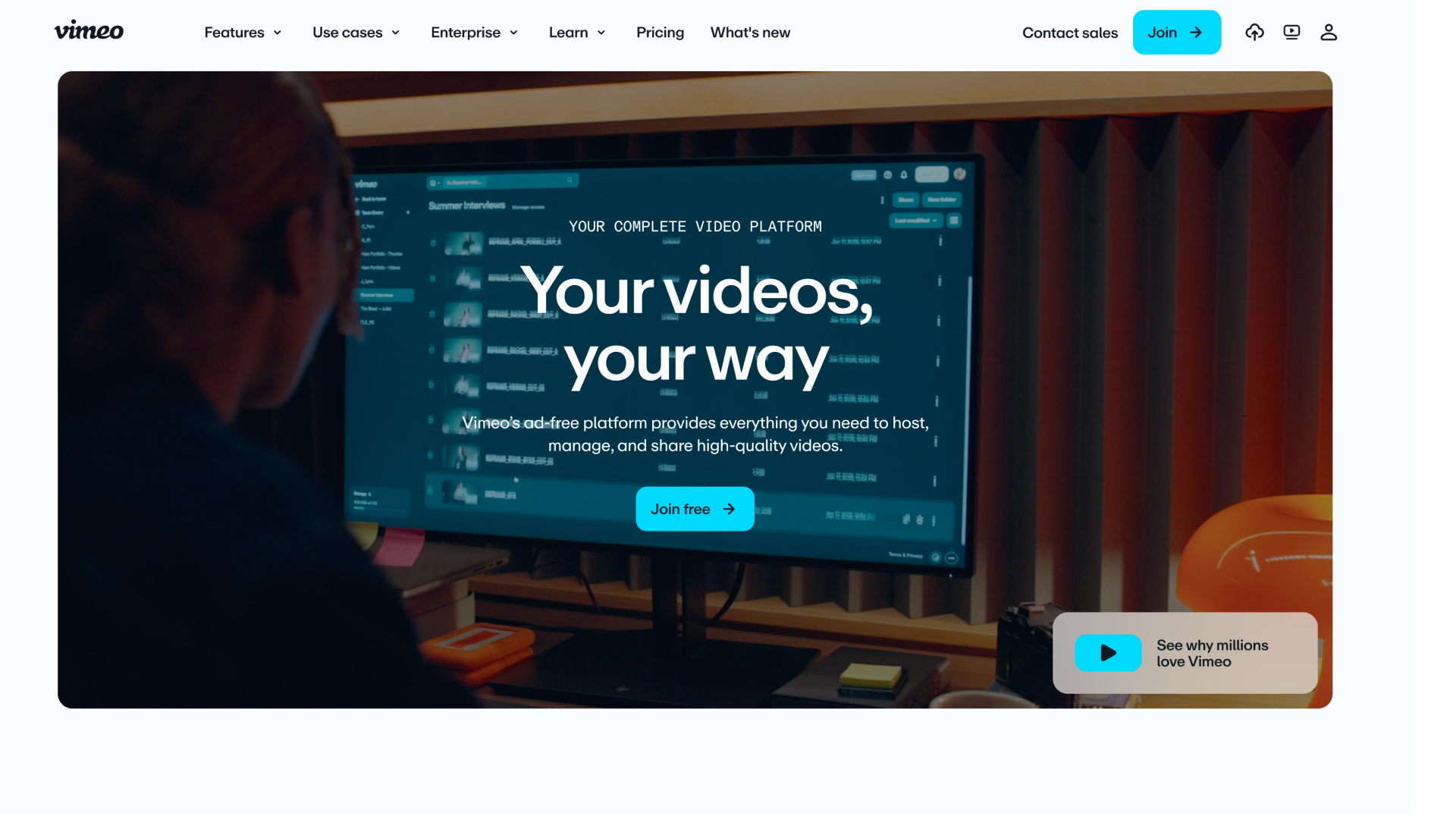
Vimeo (video hosting)
Best for events: Premium, ad-free hosting for polished brand and promo video, embedded on your site with full control over the player.
Reviews: Solid on G2 and Capterra, with ease of use and video quality the top-cited strengths.
Pros (based on real user reviews): Reviewers praise the high-quality, ad-free playback, the clean professional player, and strong privacy controls with easy website embedding.
Cons (based on real user reviews): Cost is the main complaint, with advanced features and storage gated to higher tiers. Like Wistia, it is hosting-first – it presents video rather than guiding your different audiences through a journey.
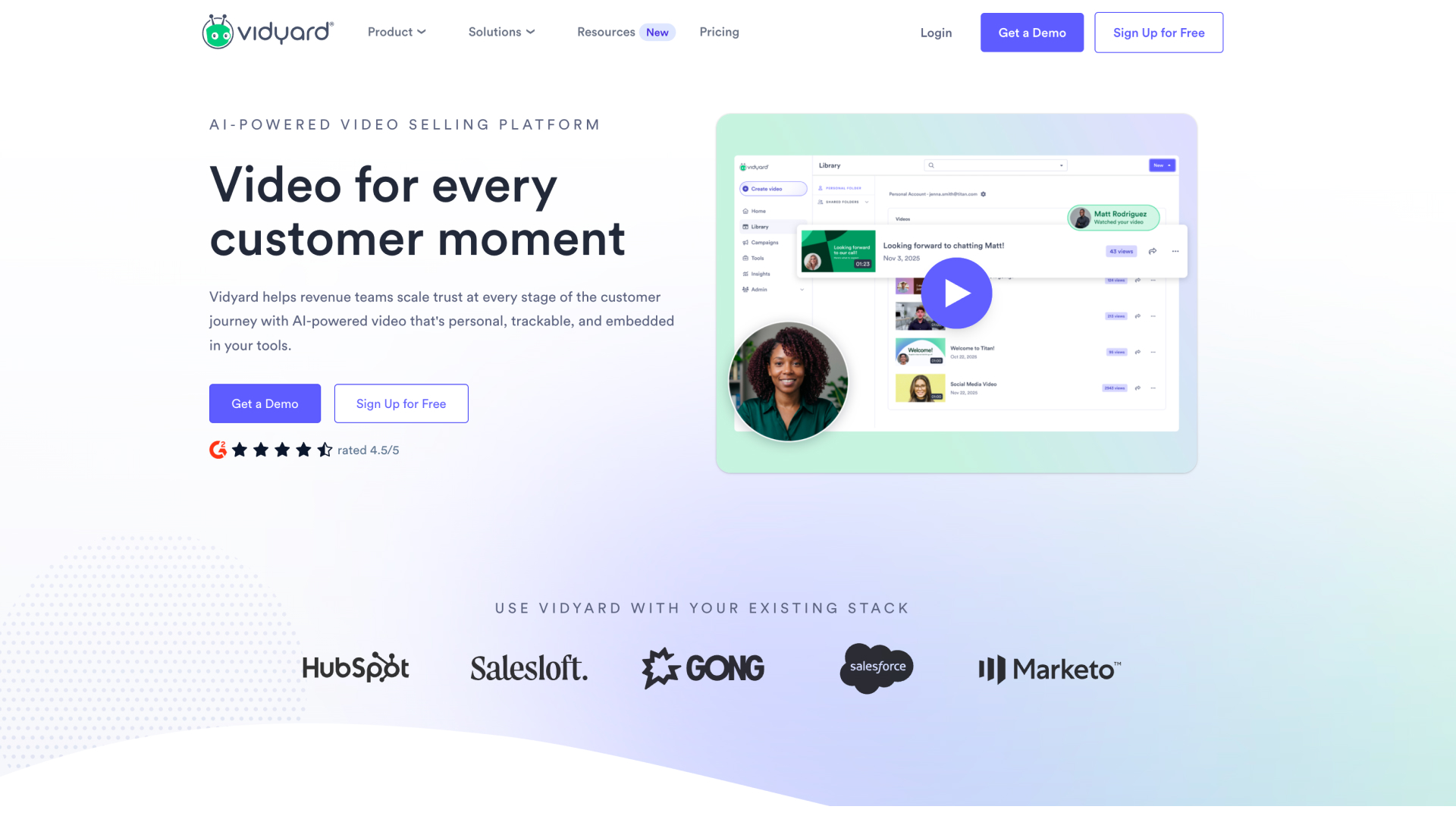
Vidyard (video messaging)
Best for events: Your sales team sending personalised one-to-one video to prospective sponsors and exhibitors through the inbox, with CRM tracking.
Reviews: 4.5/5 on G2 (800+ reviews) and Capterra.
Pros (based on real user reviews): Reviewers praise the fast Chrome-extension recording, the engagement tracking as a buying signal, and the deep CRM integrations.
Cons (based on real user reviews): Limited editing and per-seat pricing are common complaints, with some extension bugs reported. For events, the key point is that it is built for the rep's outbox, not the anonymous visitor on your event site.
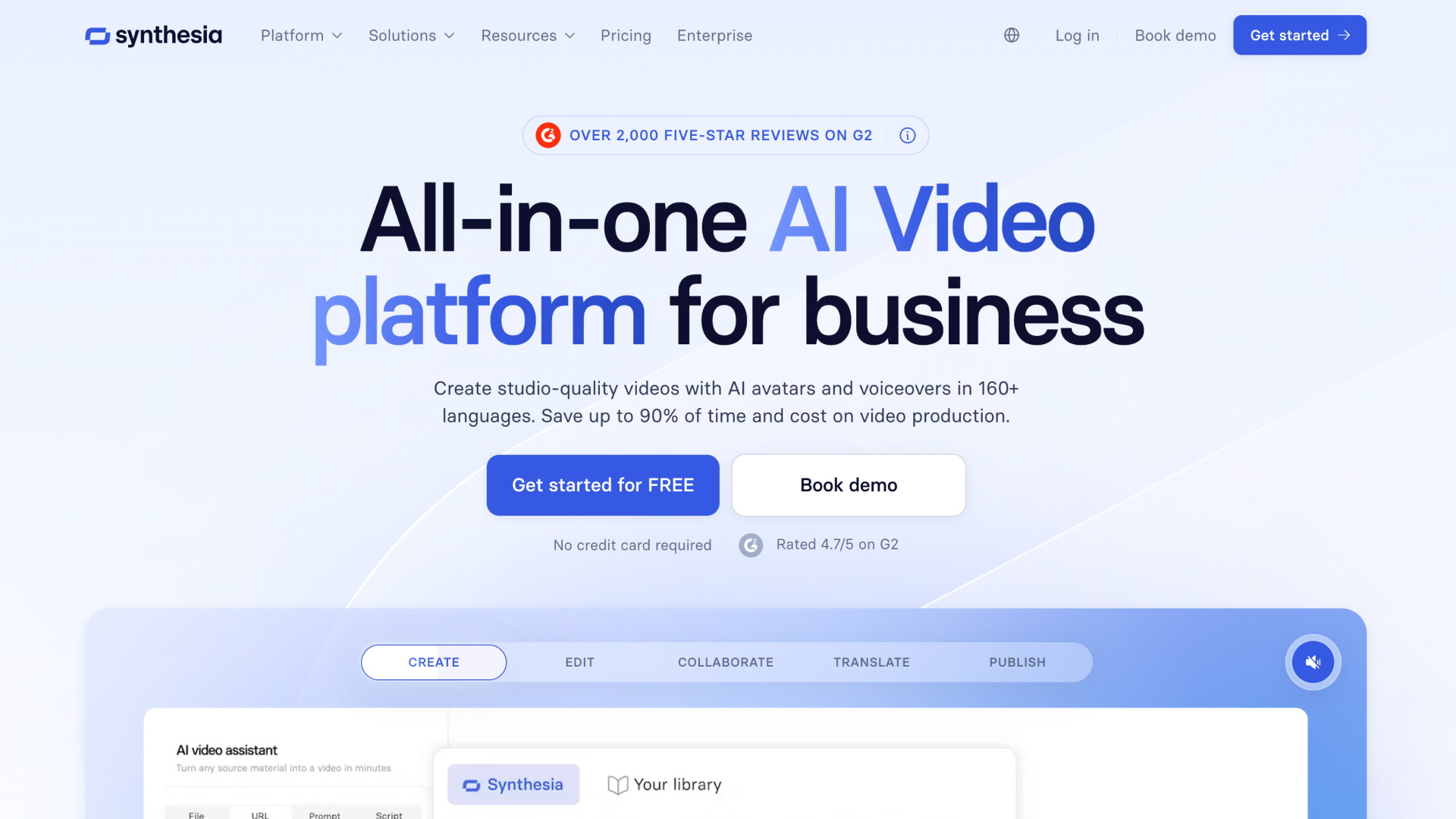
Synthesia (AI avatar generator)
Best for events: Producing explainer, training or "know before you go" video from a script, fast, in 140+ languages, without filming.
Reviews: 4.7/5 on G2, and around 4.0/5 on Trustpilot (1,700+ reviews).
Pros (based on real user reviews): Ease of use, quality and realistic avatars are the most-cited strengths – script to video in minutes, with a language range few match and a real cost saving versus filming.
Cons (based on real user reviews): Tellingly for events, reviewers themselves say the avatars can feel robotic or "creepy" and lack emotion, which works against the human trust an event brand runs on. Editing and customisation are limited, and it makes content, not the journey on your site.
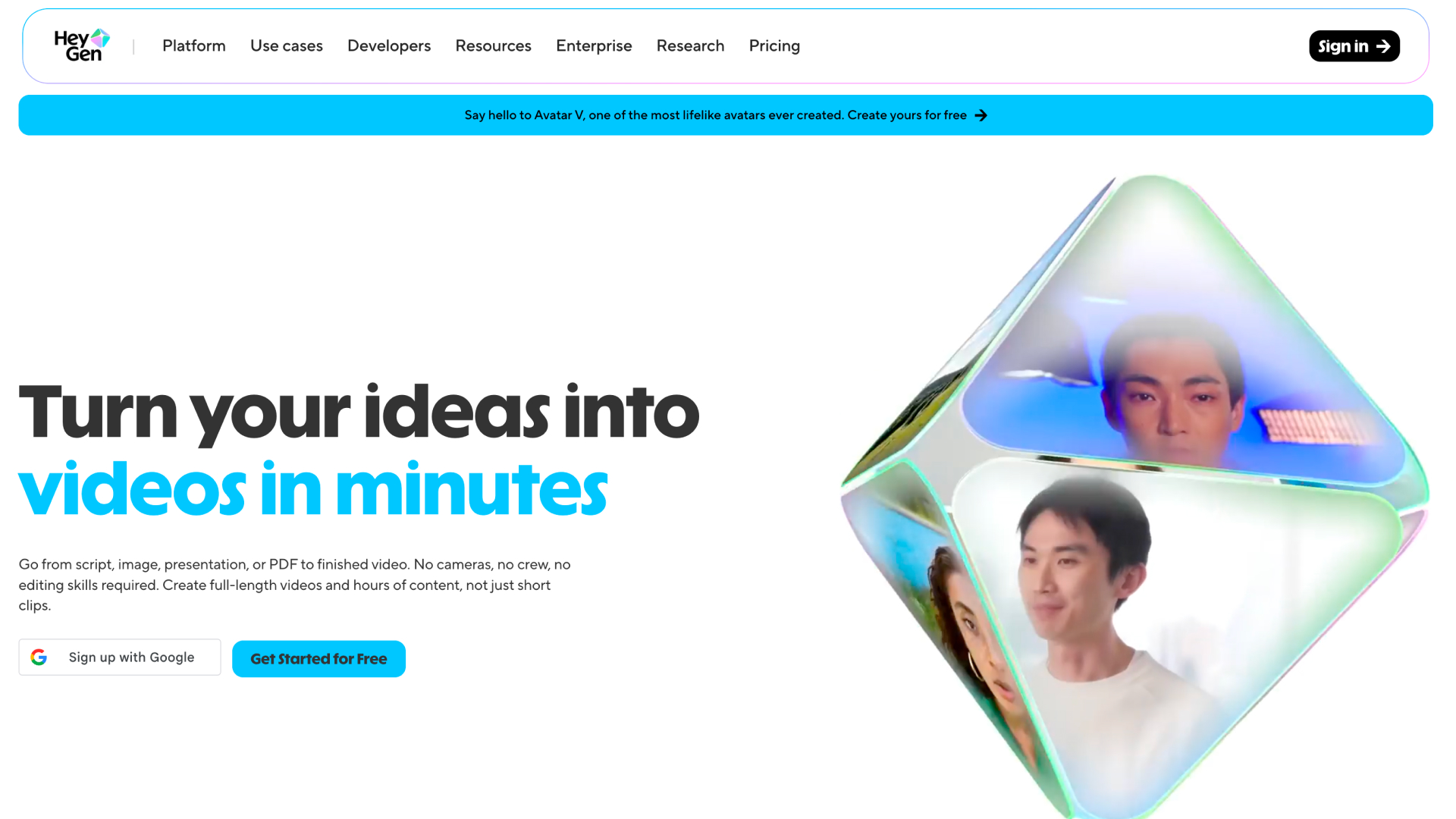
HeyGen (AI avatar generator)
Best for events: Marketing and social video at volume, and quick multilingual versions of a promo, using AI avatars.
Reviews: 4.8/5 on G2 (1,400+ reviews) but around 2.4/5 on Trustpilot – a split driven by billing and support.
Pros (based on real user reviews): Ease of use and avatar quality are the top-cited strengths – among the most realistic avatars available – with strong translation across 175+ languages.
Cons (based on real user reviews): Reviewers say the avatars still feel stiff on emotion, weak for the persuasion an event needs; the credit model draws heavy criticism for unpredictable costs; and, like Synthesia, it makes content, not the on-site journey.
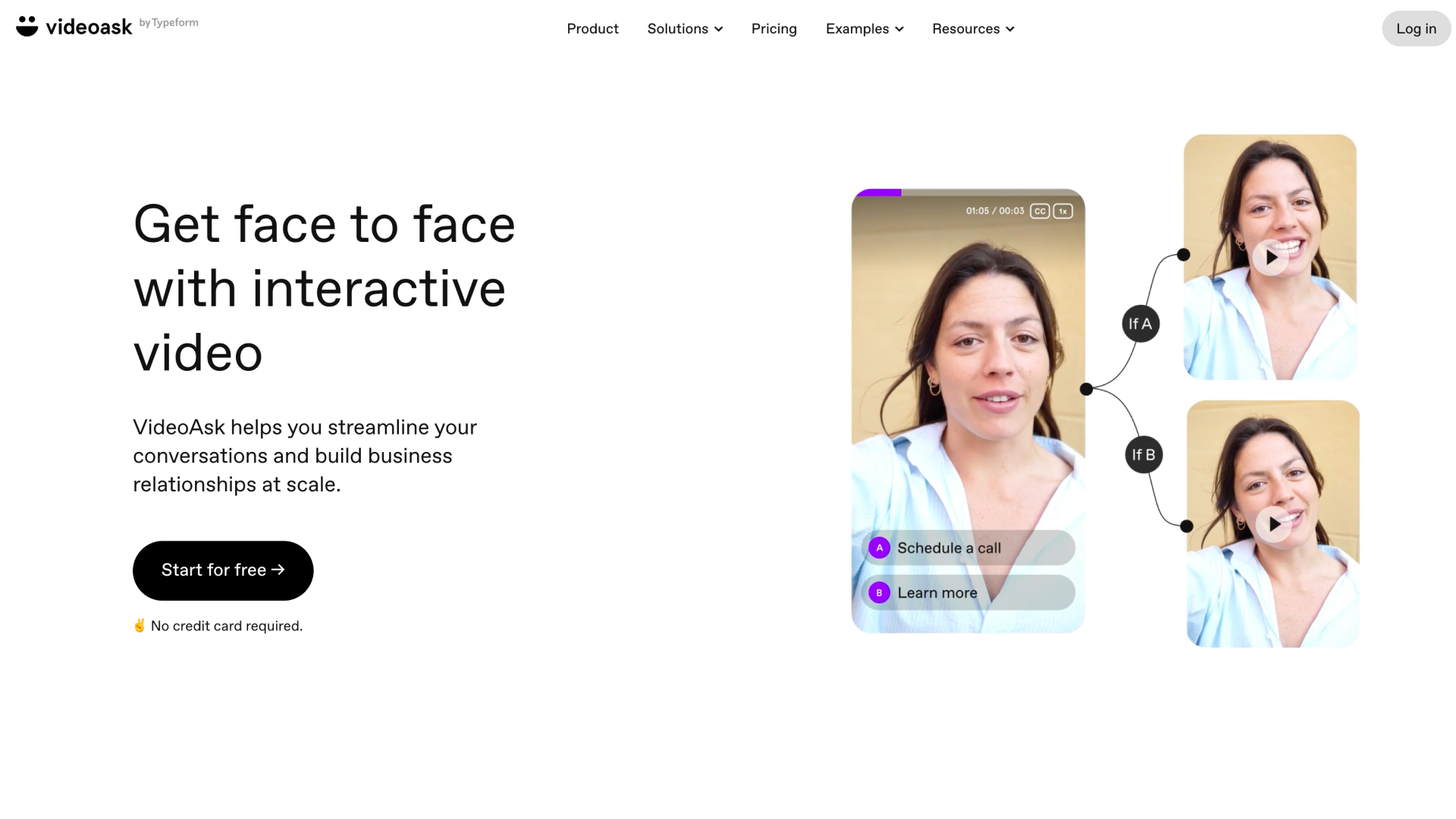
VideoAsk (video forms)
Best for events: Capturing enquiries or qualifying sponsor interest through a video form.
Reviews: Strong on G2 and Capterra, with design praised and cost flagged.
Pros (based on real user reviews): Reviewers love the clean, polished interface and the branching logic that makes a form feel human.
Cons (based on real user reviews): Cost and minute-based limits are the common complaint. It is a form tool – useful for a single interaction, not for guiding four audiences across an event site.
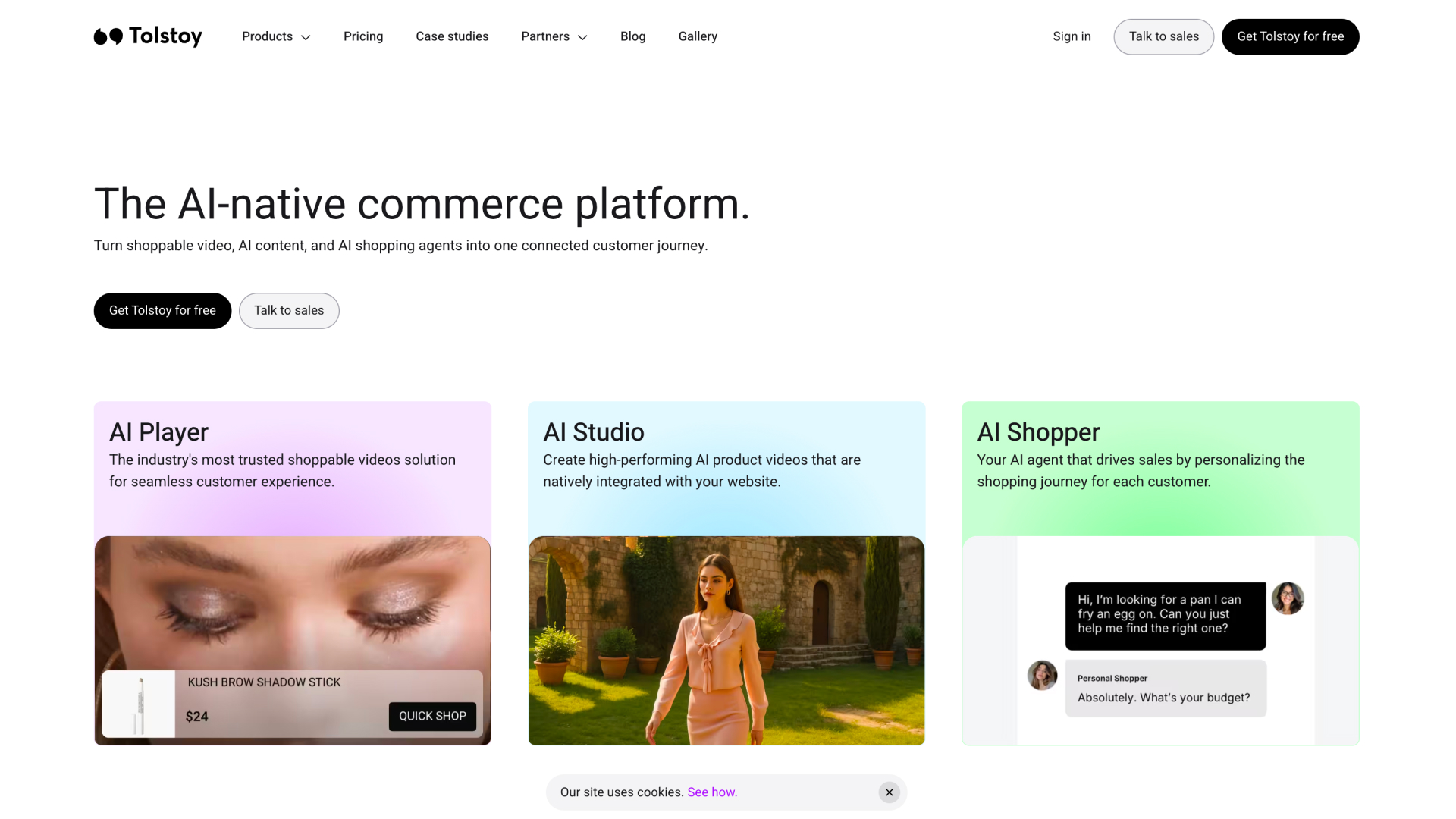
Tolstoy (shoppable video)
Best for events: Not really – it is now built for Shopify retail.
Reviews: 4.5+ on the Shopify App Store and Capterra.
Pros (based on real user reviews): Reviewers praise how easy it is to set up on Shopify, and the support.
Cons (based on real user reviews): Recent reviewers report disputed impression-based billing, and the product is built to convert a shopper on a product page – a poor fit for the considered decision of sponsoring or attending an event.
The cost of the generic route: Each is good at what it was built for, but you end up layering tools – one to make video, another to host it, a third to capture a form – and still have no single guided experience built for how people research an event.
Purpose-built interactive video for event websites
Best for organisers who want their website to guide every audience – exhibitor, sponsor, delegate, speaker – towards the action that matters, through authentic human video.
ReelFlow
ReelFlow puts authentic human video at the heart of event websites, turning static pages into guided journeys that route each visitor and build the trust and excitement of the live show online.
Best for: B2B event organisers – from large portfolio organisers running many shows to single flagship conferences – who want more registrations, stronger sponsor and exhibitor interest, and a website that finally feels as human as the event.
Key features:
- Interactive, branching flows that serve exhibitors, sponsors, delegates and speakers from a single page
- Short-form human video (recorded, produced, or made with the AI Video Stand-In)
- Overlay and inline players, installed with a single line of code – no rebuild
- AI website analysis that finds flow opportunities across every page of the event site
- AI-assisted flow structures and draft scripts, from URL to proposed journeys in minutes
- Behavioural analytics showing whether a visitor is leaning towards exhibiting or attending
- A full-service option: planning, scripts, video and publishing handled alongside your team
Key use cases for events:
- Why sponsor / why exhibit: Replace the PDF prospectus with a "Why Sponsor the Show" flow featuring the event director – communicating audience quality, buying power and return before the first sales call, so leads arrive warm
- Delegate acquisition: A "Curated Value" flow that branches by persona – a 30–60 second overview for new delegates, a "what's new" video for returning ones to get past "been there, done that"
- Attendee engagement: An "Experience Optimiser" flow that lets registered attendees browse the agenda by problem, meet speakers through 30-second intros, and plan their visit
What sets it apart for organisers:
- Solves the multi-audience problem directly, from one page
- Real people – the event director, past speakers, happy exhibitors – rather than synthetic avatars
- Built to keep pace with an event calendar: live in hours, easy to keep fresh, and present all year
- Covers the whole job end to end, so a project does not stall on production
Proven with event organisers:
- EasyFairs – Paris Packaging Week 2026: A record-breaking edition with 14,442 unique visitors, a 15% year-on-year increase, alongside strong community feedback on the video content. Charlie Taylor-Martin, Marketing Campaigns Manager at Easyfairs, described the shift after adding ReelFlow's interactive video: "People weren't just watching the videos, they really were engaging – clicking the buttons, spending longer on our content and exploring more of the website. This translated into more visitors making it through to registration."
- EasyFairs – Advanced Engineering: In a 90-day before-and-after comparison, the site saw a 24% lower bounce rate, 43% more time on site, and a substantial rise in visitor activity.
- Event Tech Live: In the words of founder Adam Parry, "from the suggested flows and scripts, to the video creation and publishing – the entire process was super slick, and since going live we've seen a strong improvement in visitor engagement."
Pricing: Self-serve plans from £39 / $49 per month. Business plans from £299 / $399 per month, adding capacity, features and the service offering – the usual fit for an organiser running one or more shows. Free 14-day trial.
Watch-outs:
- Purpose-built for websites and landing pages – if all you want is a one-off hero film, a video agency does that.
- A focused, younger platform rather than a large hosting incumbent, by design.
- It still needs real video and real people. Someone – the event director, a marketing lead, past speakers – needs to appear on camera, or use the AI Stand-In. There is no getting the human benefit without some human input.
- The business tier, which includes the service team, starts at £299 / $399 per month. That is well below an agency rebuild, but it is a real line item, and the fullest results for events tend to lean on the service offering.
- No deep native CRM or registration-system integration today. Engagement data lives in ReelFlow's own analytics rather than syncing automatically into your CRM or ticketing platform.
- Interactive video on event websites is still a newer approach, so there is a smaller body of independent benchmarks than for long-established categories – though the EasyFairs and Event Tech Live results give a real starting point.
A note on fairness: unlike the tools above, ReelFlow is young enough that it doesn't yet have a large third-party review base (G2, Capterra and the like). The pros and cons here are our own honest assessment rather than aggregated user reviews – held to the same standard we have applied to everyone else. What it does have is named, verifiable results from event organisers, above.
Building an interactive video strategy for your event
The tool is the start. Here is how organisers get value from it.
Start with the pages that drive revenue
Do not try to do the whole site at once. Begin with three or four high-value pages – usually the homepage, the why attend, sponsor or exhibit pages or the registration and agenda pages. Prove the point where it moves a real number, then expand across the site and across the portfolio. Check our our event organiser template gallary to get started.
Route exhibitors, sponsors, delegates and speakers separately
The whole advantage is not showing everyone the same thing. Build a flow that asks who the visitor is and sends a would-be sponsor, a first-time delegate and a speaker down different paths from the same page. One website, four journeys.
Put real faces front and centre
Lead with people. The event director introducing the sponsorship opportunity. A past exhibitor talking about the leads they got. A keynote previewing their session. This is what recreates the trust and energy of the room – and where you need to scale it across a portfolio, an AI stand-in trained on a real person keeps the human signal intact.
Keep it live all year, not just show week
Most event sites go quiet between editions. That is a missed opportunity, because visitors arrive year-round. Use short video to keep the site warm and the excitement building, so whenever someone lands – twelve months out or twelve days – the site is working.
What makes ReelFlow different for event organisers
One website, every audience
The multi-audience problem is the defining challenge of an event site, and branching flows are built for it. ReelFlow asks each visitor who they are and guides exhibitors, sponsors, delegates and speakers down tailored paths from a single page.
Replace the PDF prospectus
The static prospectus asks a sponsor to judge a five-figure decision from a document. A "Why Sponsor" flow, led by the event director, communicates audience quality, buying power and return through video – building trust before the first conversation and warming the lead.
Human energy, captured online
A show is people and atmosphere. ReelFlow puts real faces at the centre of the website, so the online experience finally carries some of the energy of the floor – rather than the faceless brochure most event sites settle for.
Live in hours, not weeks
Your show is in six weeks; you do not have time for an agency. AI website analysis, AI-assisted scripting, the AI Stand-In and one-line publishing get human video onto the site in hours – and keep it easy to update as the agenda and line-up change.
Choosing the right approach for your event
- If you only need a one-off hero film for the homepage → a video agency
- If you just need to host and embed existing video → Wistia
- If you need to produce a lot of explainer content with AI presenters → Synthesia or HeyGen
- If you need a lead-capture video form → VideoAsk
- If you want your event website to guide exhibitors, sponsors, delegates and speakers towards registering, sponsoring and attending – through authentic human video, live in hours and present all year → ReelFlow
Your event is human, energetic and full of value. Your website should be too. If the job is turning repeat visits into registrations and sponsor enquiries – and finally making the site feel like the show – that is the problem ReelFlow was built to solve.
To see it on your own event site, book a demo, or start a free 14-day trial and explore it yourself.
FAQs
Do we need to change our event website to use ReelFlow?
No. It installs with a single line of code and works over your existing site, as an overlay that appears over the page or an inline player within it. There is no rebuild and no dependency on your web team or agency.
Can one flow really serve exhibitors, delegates and speakers at once?
Yes – that is the point of a branching flow. It asks the visitor who they are and routes each audience to the content and call to action that fits, all from the same page. It is the direct answer to the multi-audience problem every event site has.
Our show is only weeks away. Is there time to set this up?
Usually, yes. AI website analysis and scripting produce proposed flows quickly, video can be recorded, produced or generated with the AI Stand-In, and publishing is a single line of code. The service team can also handle planning, scripts and production alongside you when time is tight.
We don't have much video, and no time to film. What are our options?
You can record short clips yourself, use the AI Video Stand-In to generate video from a real team member without re-filming, or have the service team produce it with you. A lack of footage should not be what stops the project.
How is this different from putting a promo video on the homepage?
A promo video is passive and linear – the visitor watches, they do not choose, and everyone sees the same thing. Interactive video guides: it routes each audience, lets them explore what they care about, and moves them towards registering or enquiring. It also sits across the site, not just the homepage.
How do we know it's working?
You can see how visitors behave inside the flows – which audience path they took, which sessions or packages they explored, how far they got – and connect that to the numbers you care about: registrations, and sponsor and exhibitor enquiries. That behaviour is also a useful signal for follow-up.