

This product update is all about speed – for the pages your visitors land on and for the team working in the Dashboard. If you run several Overlay players on one page, you can now switch off the eye-catcher to reduce the page load, and the Flow Builder is noticeably quicker when working in Workspaces with a lot of video content.
Easier for your team
Choose your caption language in the upload flyover
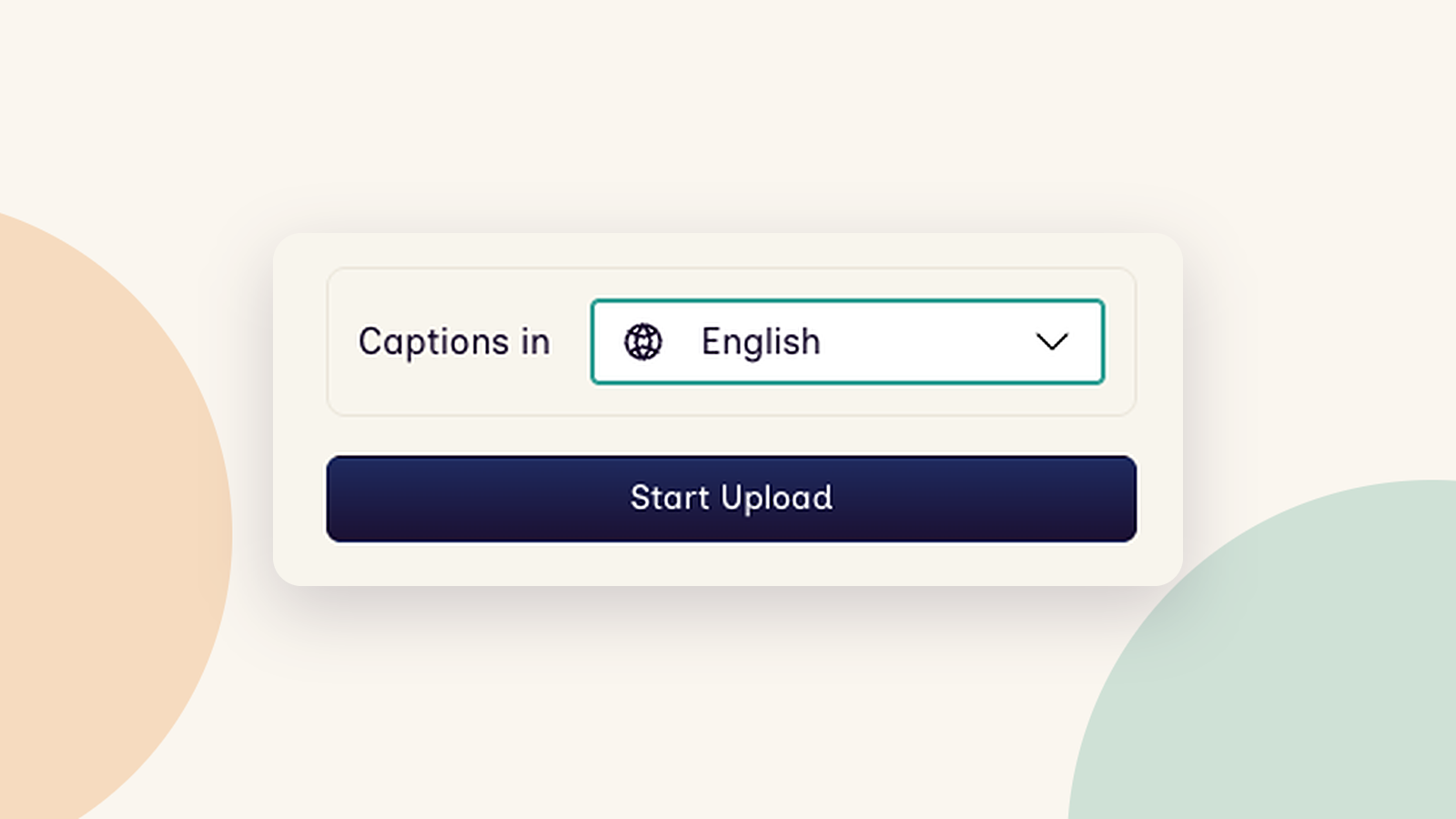
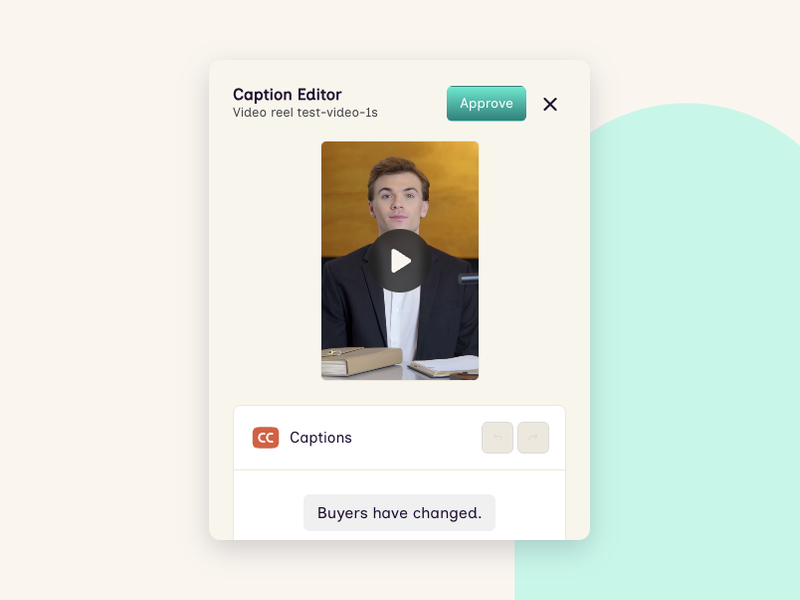
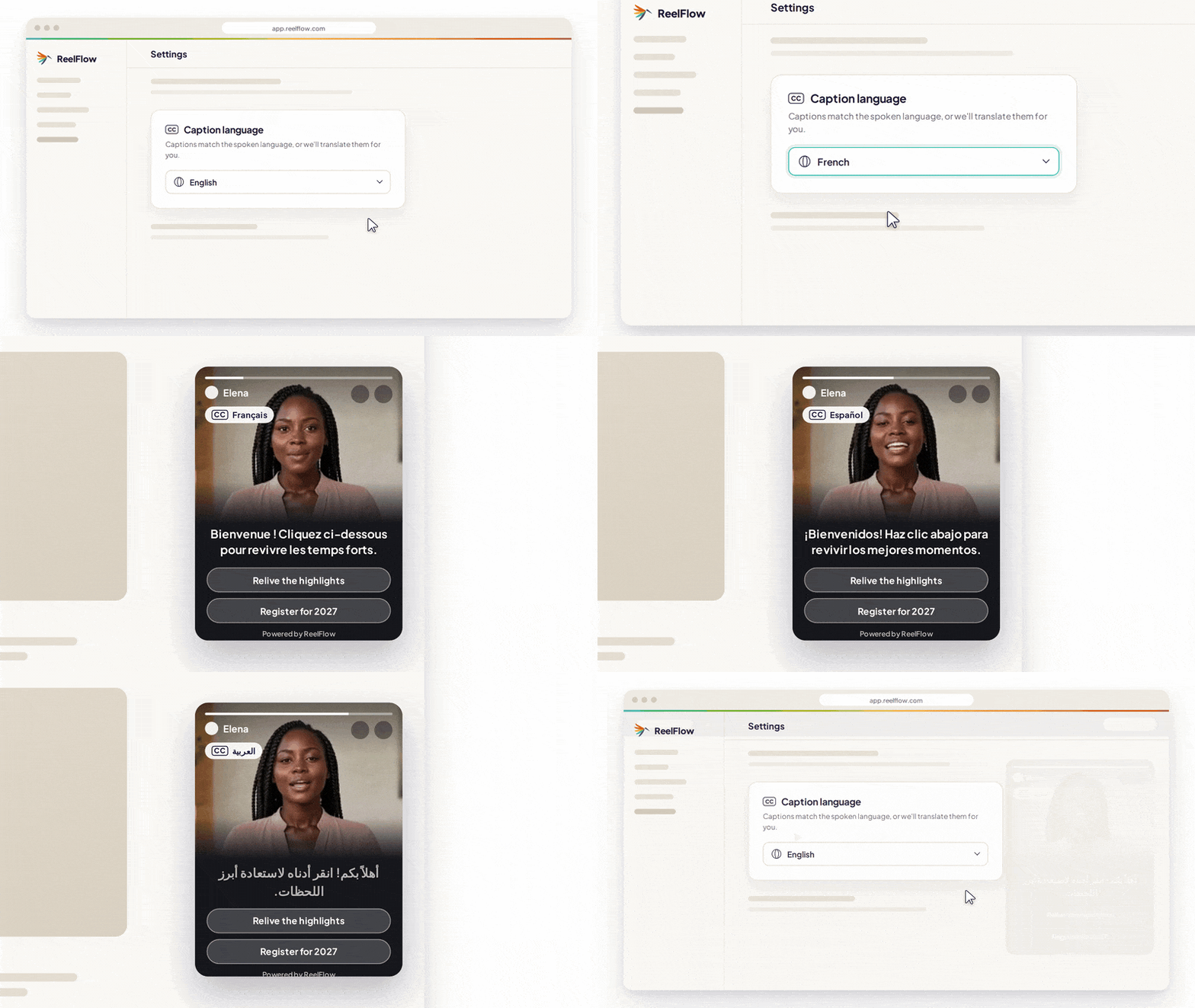
The transcription language for captions is now set directly in the upload flyovers, in both the Library and the Flow Builder, so you don't have to navigate away to change it.
With the choice right in front of you as you upload, there's less chance of captions being processed in the wrong language – useful if you're preparing videos for an international audience.
A faster Flow Builder for larger Workspaces
Following on from recent optimizations we made to the Library, the Flow Builder now also loads only the videos a Flow actually uses, keeping things fast. Searching and sorting your videos has been optimised as part of this.
If your Workspace has built up a big Library over several editions of your event, working in the Flow Builder should feel much quicker and more responsive.
Step Titles auto-populate themselves
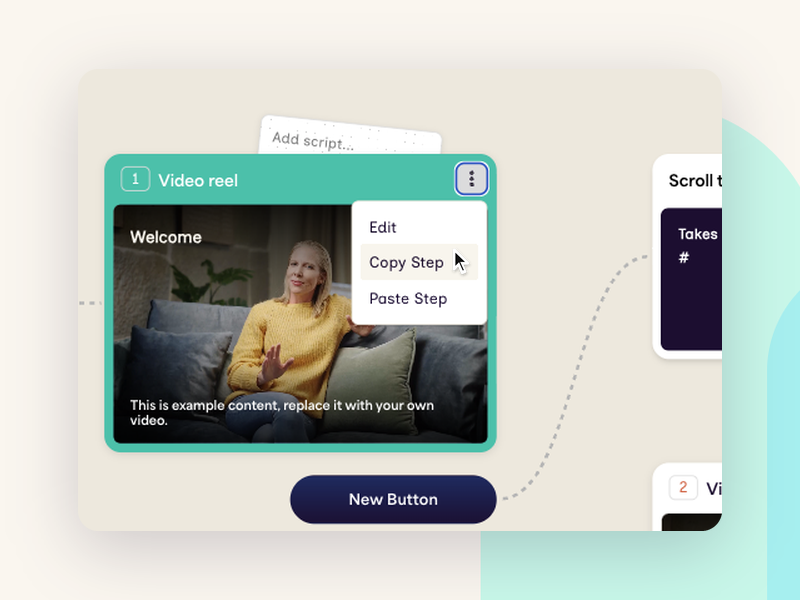
When you add and label a new button for a Step, the Step Title now picks up that label automatically. No more Steps littered with a default "Welcome" title.
Better for your visitors
Lighter video payloads when working with multiple Overlay players
You can now switch off the eye-catcher from the Activation tab in the Dashboard, or with the new ReelFlowSettings option in the API, so it no longer needs Dashboard access.
If your site has several Overlay players on one page – say, a different Flow for exhibitors, visitors and sponsors – switching off the eye-catchers you don't need gives visitors a lighter, better-performing page. Your developers can manage it through the Player API too.
Tell us what you think
As ever, we'd love to hear how you're putting these updates to use, and what you'd like to see next. Get in touch at product.feedback@reelflow.com – we read every message.