

Video Player API for Custom Website Triggers and Events
Tired of video players that lock you out? ReelFlow's Flow Events API lets you listen for clicks, trigger custom actions, and programmatically control player behavior from your website's JavaScript.
Video Player API for Custom Website Triggers and Events
Tired of video players that lock you out? ReelFlow's Flow Events API lets you listen for clicks, trigger custom actions, and programmatically control player behavior from your website's JavaScript.


Video Player APIs That Actually Let You Control the Experience
Most video players are black boxes — you embed them and hope. ReelFlow's video player API gives developers full programmatic control over video interactions. Listen for actionButton clicks, trigger site-side JavaScript, show or hide the player on demand.

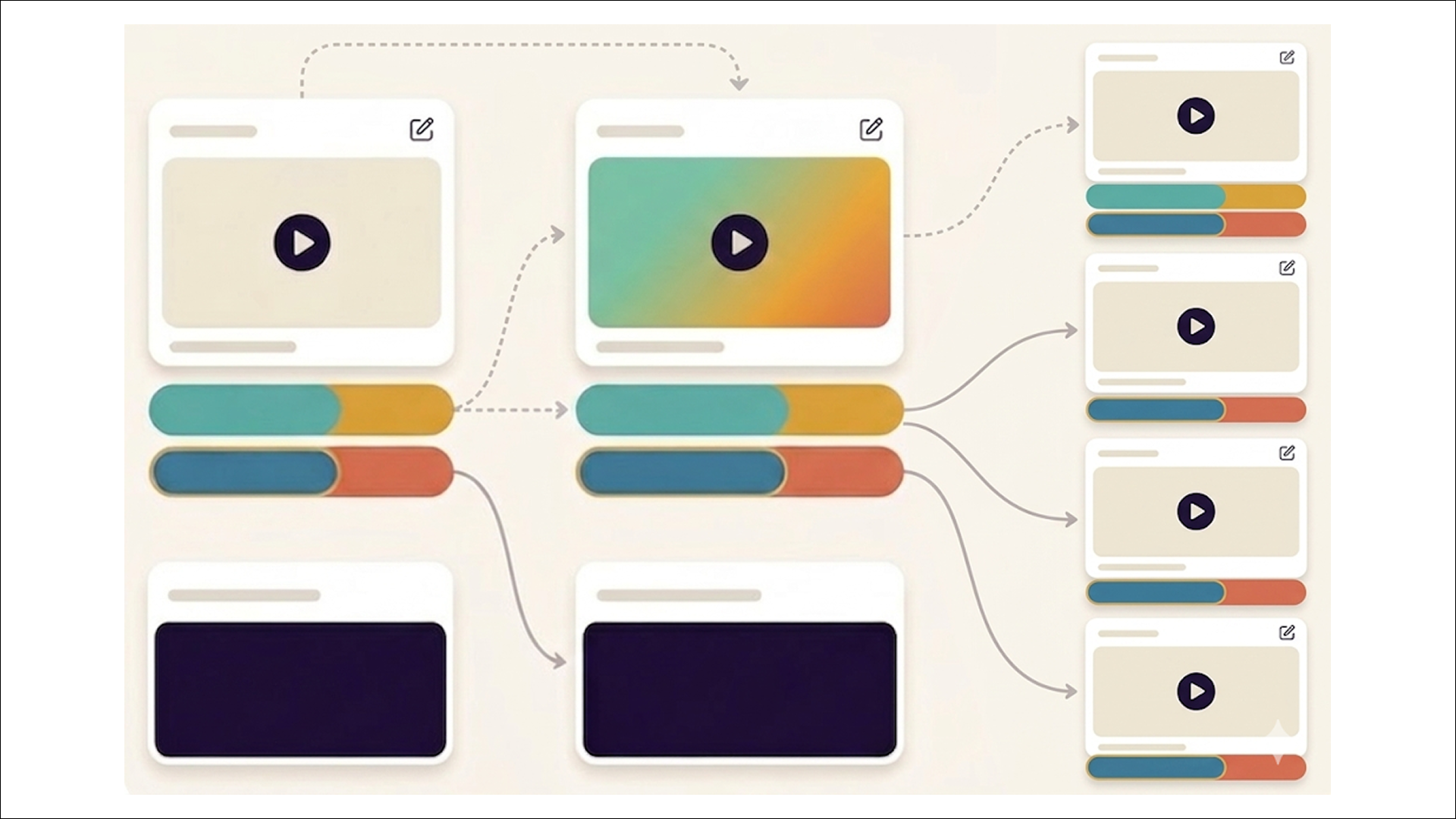
ReelFlow API for advanced set-ups
Open the Player from a button click elsewhere on your page, trigger third-party tools from inside a Flow, or send custom events to GA4. You have full control over how the experience integrates with your site.

Native support for Webflow, WordPress, HubSpot, and more.
ReelFlow has step-by-step installation guides for all major platforms. Add the code to your site header once, and all future Flow deployments and updates happen entirely from the ReelFlow dashboard.
Try ReelFlow free for 14 days. No credit card required.
Get full access to the platform, build your first Flow, and see how interactive video performs on your site - before committing to anything.
How ReelFlow's Video Player API Works

Build
Design interactive paths directly on our intuitive canvas. Start with a proven template or build your own from scratch - just connect the steps and watch your flow come to life.

Create
You don't need a film crew to build trust. Record and upload your videos, and add to your interactive flows in minutes. Need help? Explore our video marketplace or upgrade to our AI Video Stand-In feature.

Launch
Paste our snippet of code into your CMS once and you're good to go. Publish our overlay or inline player, and update them whenever you need via the ReelFlow dashboard, without raising a developer ticket.

Performance
Track engagement patterns and conversion paths, with insights into how visitors navigate your video experiences.
Video Player API Questions
Get Full API Control
Join developers who've moved beyond black-box video players. Full API documentation included — no rebuild required.