

Automatically track video button clicks in Google Analytics
Stop wondering which videos drive conversions. ReelFlow automatically appends UTM parameters to every interactive video button, making video engagement tracking in GA4 effortless.
Automatically track video button clicks in Google Analytics
Stop wondering which videos drive conversions. ReelFlow automatically appends UTM parameters to every interactive video button, making video engagement tracking in GA4 effortless.
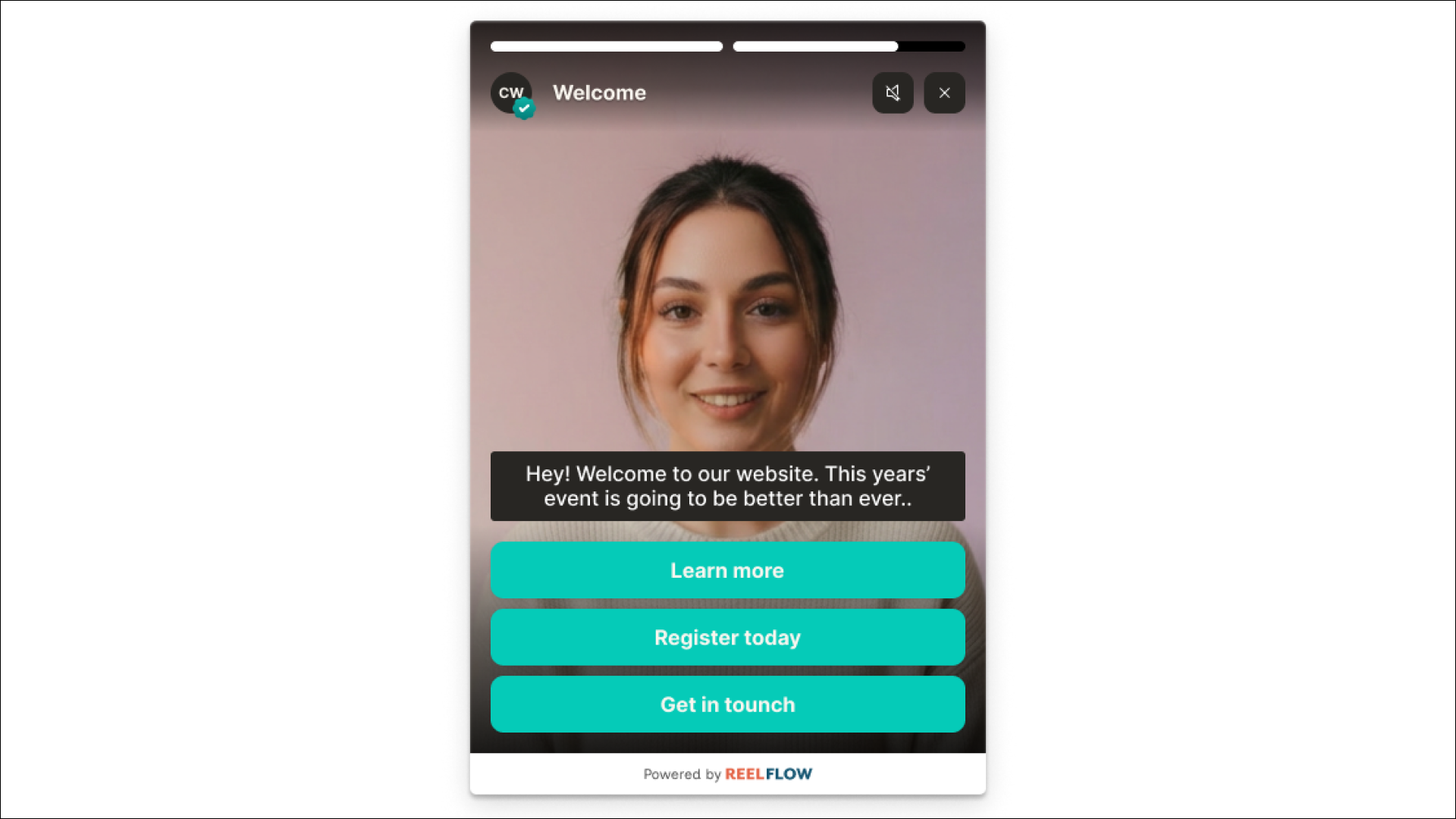

Video engagement data that actually tells you something useful
Most video platforms give you views and watch time — but no insight into which videos drive action. ReelFlow bridges that gap by automatically tracking every button click with proper UTM attribution, so you can see exactly which video interactions lead to conversions in Google Analytics.

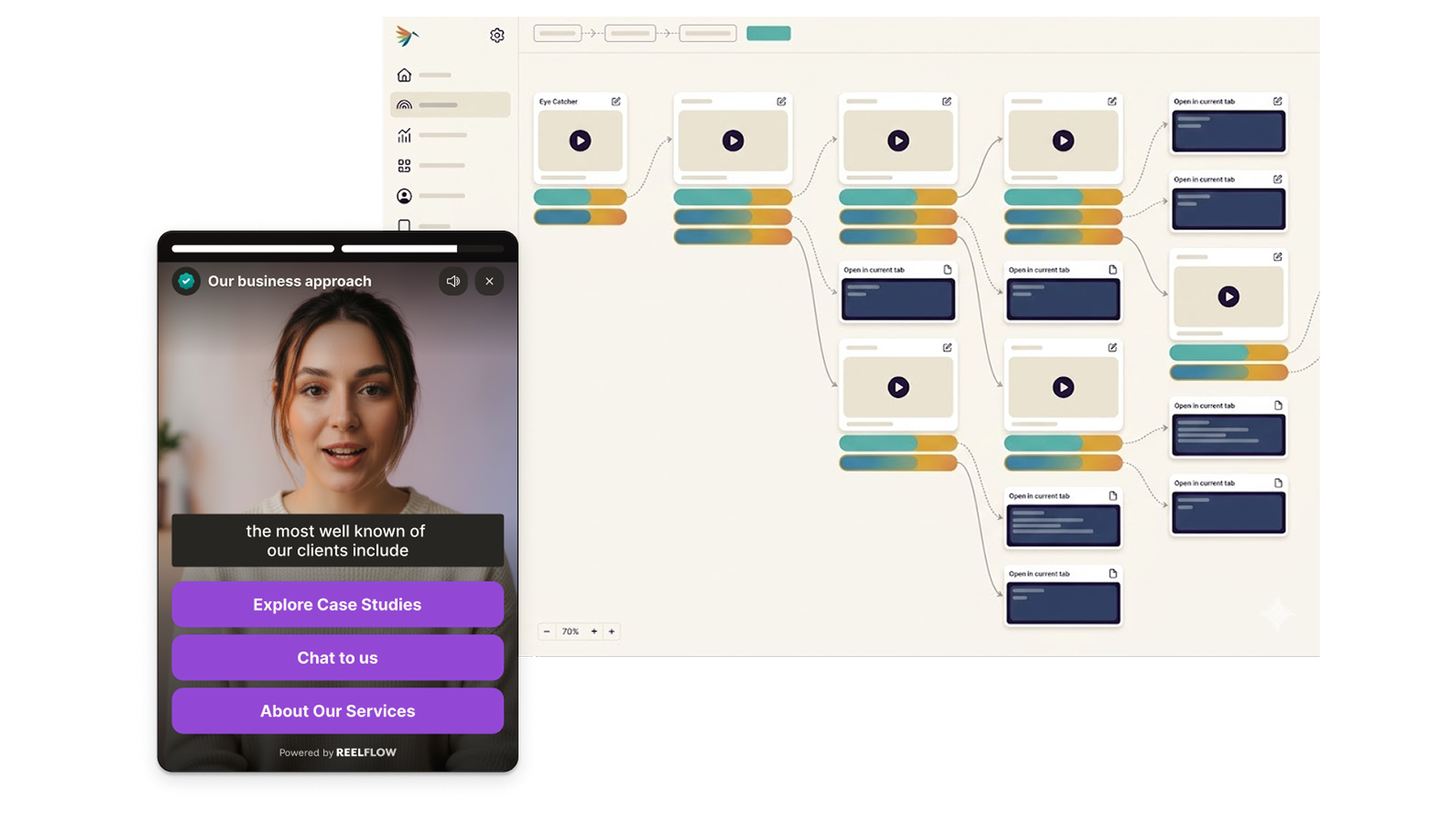
Track Flow engagement in GA4, HubSpot, and beyond.
Enable Outbound Attribution to automatically append UTM parameters to every button link. Source, medium, campaign, and content are all passed through - so you can see exactly which Flows are driving conversions in your existing dashboards.

Try ReelFlow free for 14 days. No credit card required.
Get full access to the platform, build your first Flow, and see how interactive video performs on your site - before committing to anything.
Connect ReelFlow to your CRM and analytics stack.
Enable Outbound Attribution to automatically append UTM parameters to every button link. Track ReelFlow-driven traffic and conversions in GA4, HubSpot, or any other marketing platform — no manual tagging needed.
Four steps to complete video attribution in GA4

Build
Design interactive paths directly on our intuitive canvas. Start with a proven template or build your own from scratch - just connect the steps and watch your flow come to life.

Create
You don't need a film crew to build trust. Record and upload your videos, and add to your interactive flows in minutes. Need help? Explore our video marketplace or upgrade to our AI Video Stand-In feature.

Launch
Paste our snippet of code into your CMS once and you're good to go. Publish our overlay or inline player, and update them whenever you need via the ReelFlow dashboard, without raising a developer ticket.

Performance
Track engagement patterns and conversion paths, with insights into how visitors navigate your video experiences.
Questions about video tracking
Page views tell you that someone visited. They don't tell you whether that person understood your proposition, engaged with your content, or came away with a positive impression. ReelFlow tracks start rates, watch time, button clicks, and path choices — giving you a far clearer picture of how buyers are actually engaging with your website, and which content is doing the most work.
Yes. The per-Flow interaction report breaks down clicks by button, showing exactly which choices visitors make at every decision point. This helps you understand what your buyers care about most — and where to focus future content. This is displayed with counts and %'s which you can toggle when viewing a Flow.
Start measuring video impact today
See exactly which video interactions drive your best leads. Set up takes minutes — no developer required.