

Centrally manage video content across multiple brand websites
Marketing leaders juggle content across domains, teams, and brands. ReelFlow's workspace structure brings all your video content under unified control — from main sites to blogs to microsites.
Centrally manage video content across multiple brand websites
Marketing leaders juggle content across domains, teams, and brands. ReelFlow's workspace structure brings all your video content under unified control — from main sites to blogs to microsites.
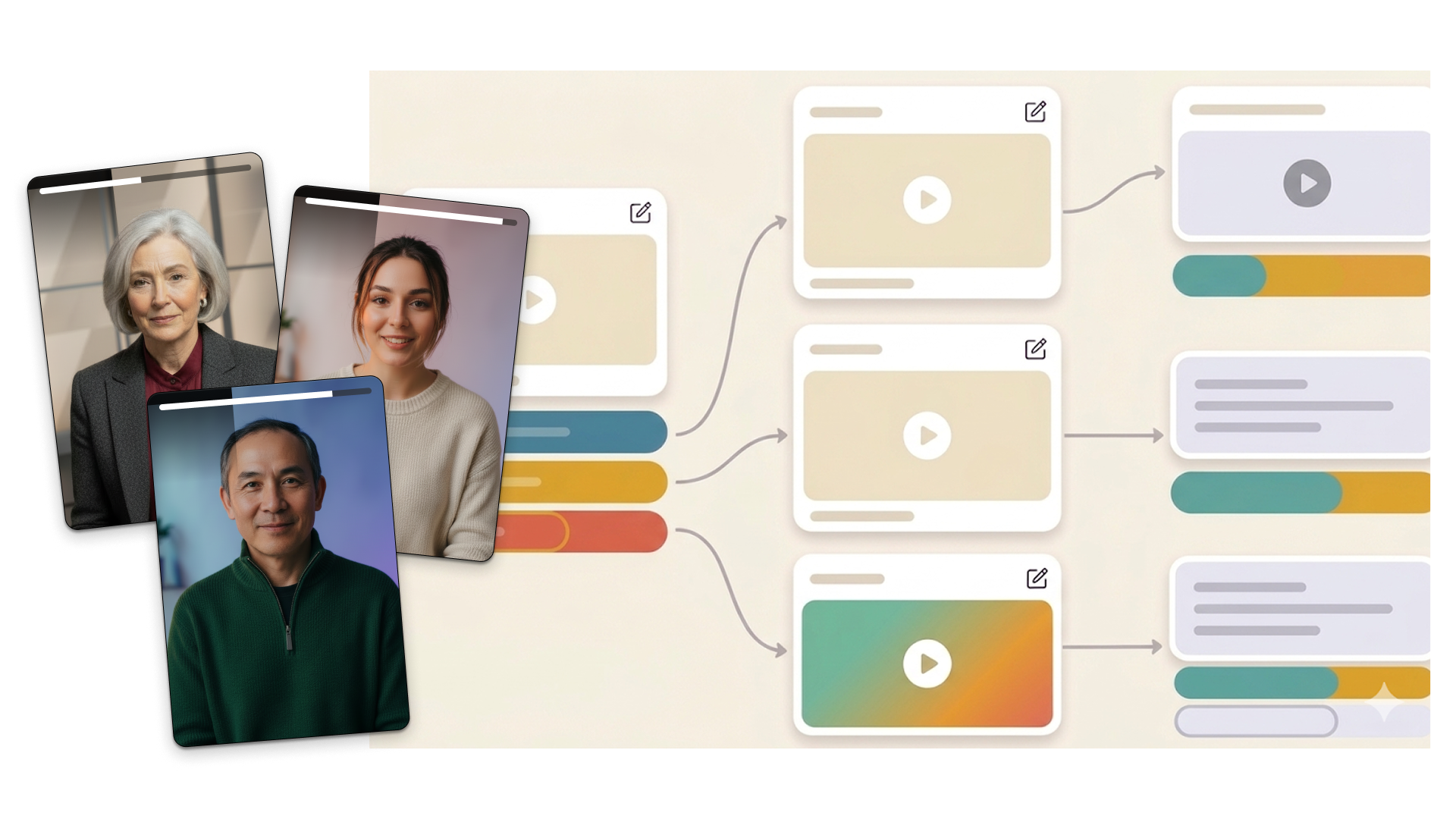

Enterprise teams need centralized control to manage video content across multiple brand websites
Different teams, different domains, different audiences — but one marketing operation. ReelFlow's organization and workspace structure gives you the oversight and control that multi-brand marketing demands. Create once, deploy anywhere, manage centrally.

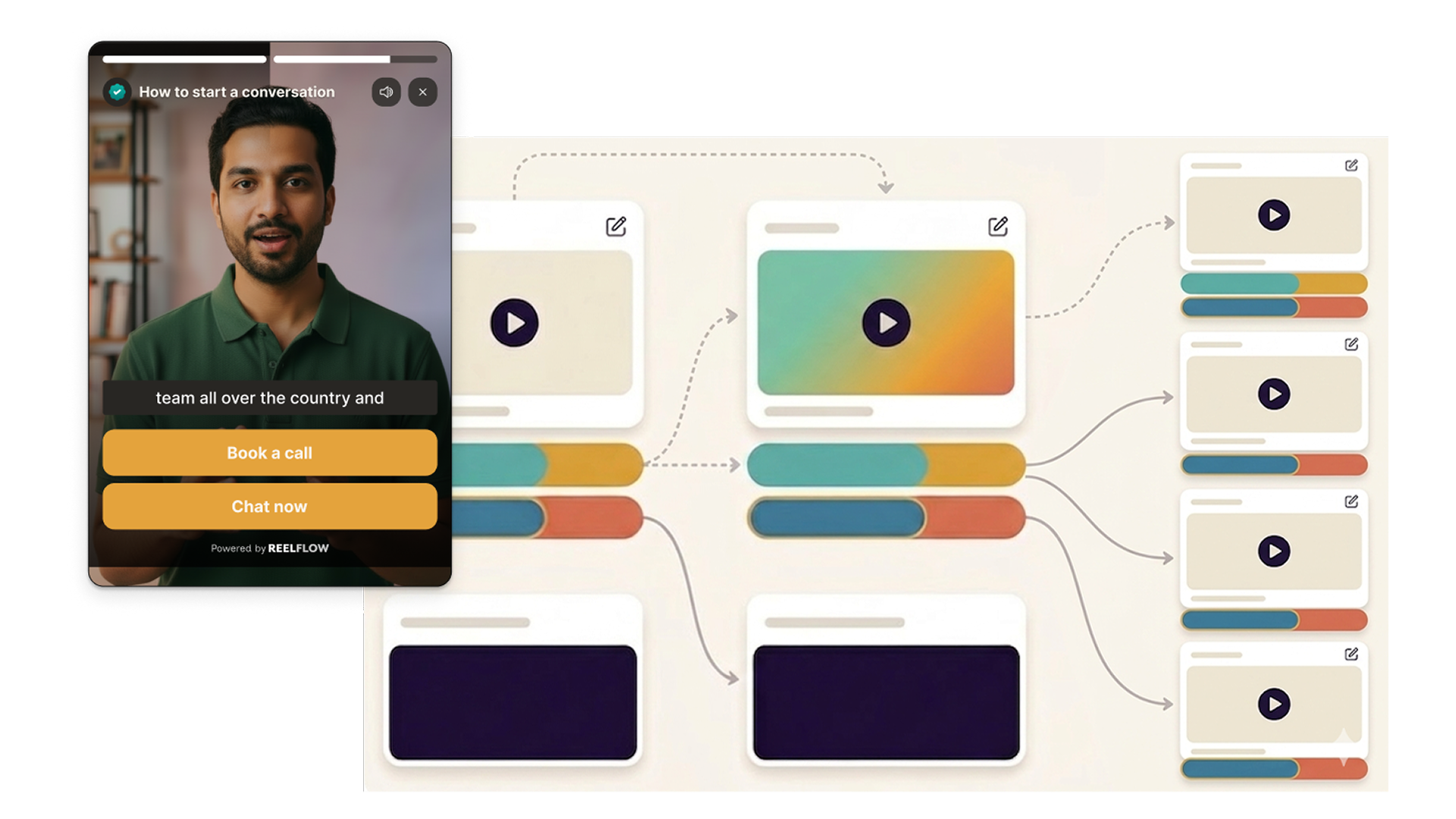
Build interactive video journeys on a visual canvas.
The Flow Builder lets you map out branching video paths, add action buttons, and configure what happens at every step — all on a no-code canvas.
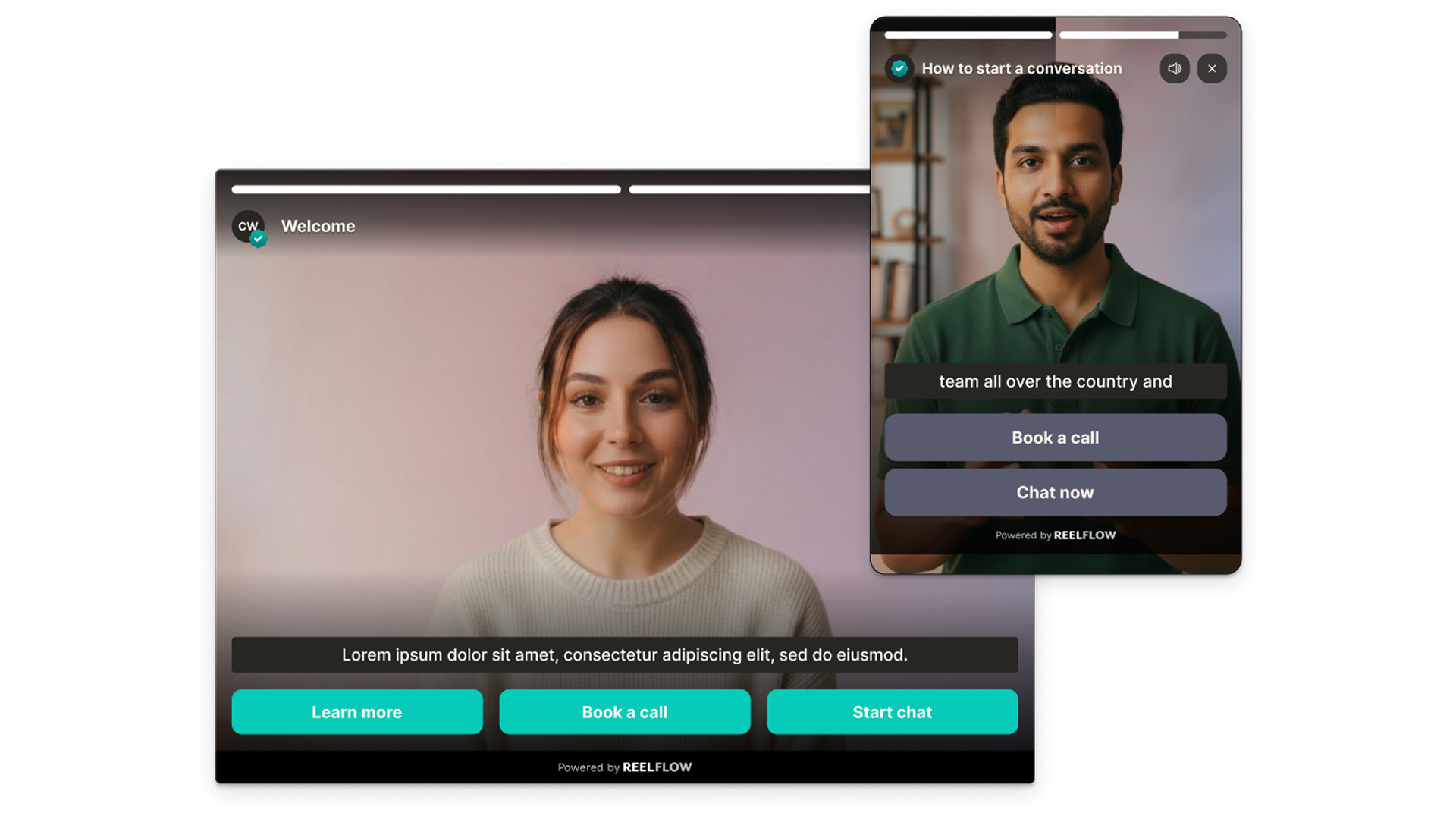
See exactly how buyers move through your content.
ReelFlow tracks impressions, watch time, start rates, button clicks, and per-step engagement — giving you a clear picture of which parts of your story are landing and where visitors are dropping off.
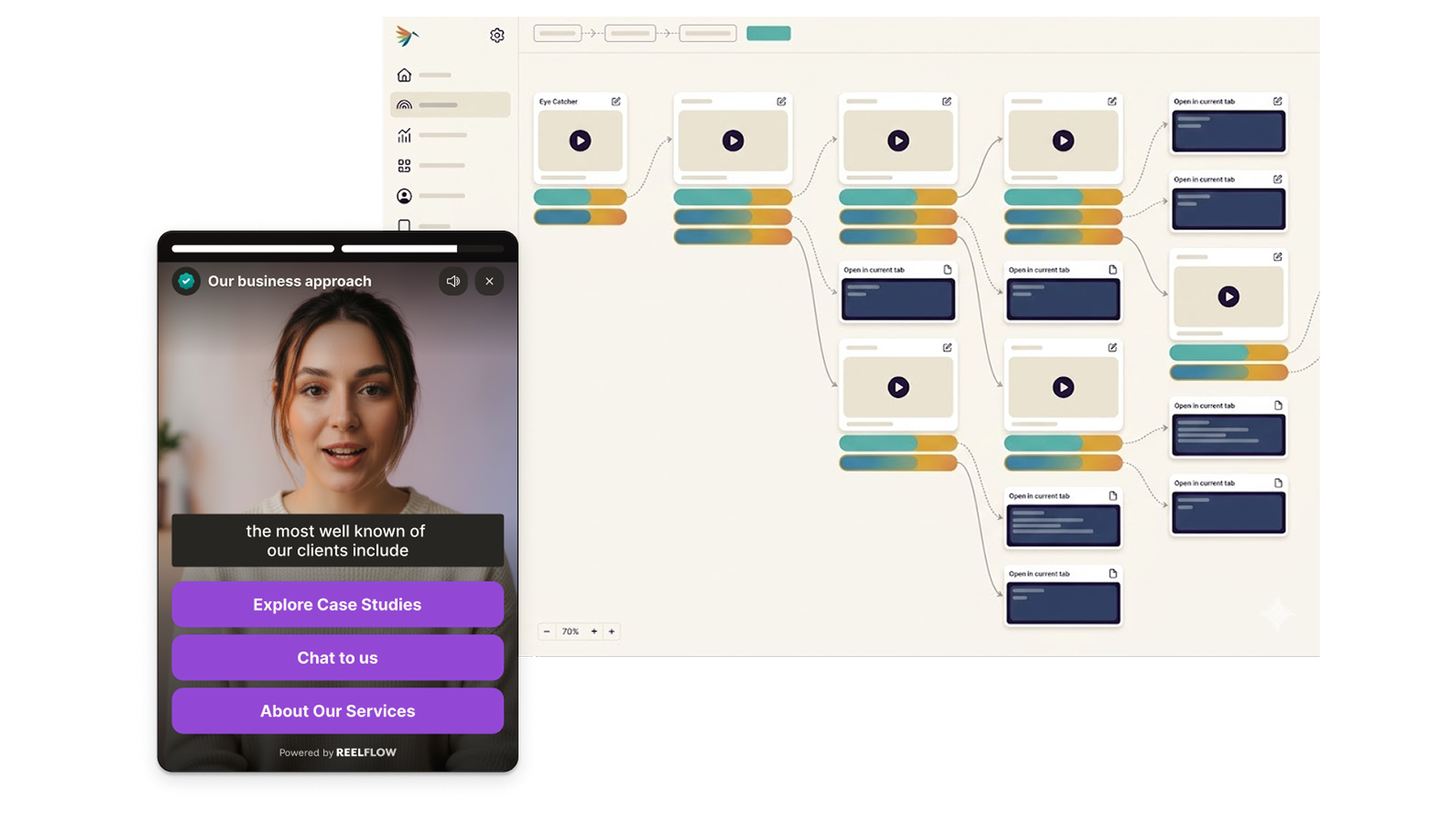
Mix human-recorded and AI-generated video in the same Flow.
Use professionally filmed video for your most important steps, AI Stand-Ins for rapid updates, and in-house recordings for everything in between. They combine seamlessly - visitors experience one cohesive journey.
How ReelFlow organizes your multi-brand video strategy

Build
Design interactive paths directly on our intuitive canvas. Start with a proven template or build your own from scratch - just connect the steps and watch your flow come to life.

Create
You don't need a film crew to build trust. Record and upload your videos, and add to your interactive flows in minutes. Need help? Explore our video marketplace or upgrade to our AI Video Stand-In feature.

Launch
Paste our snippet of code into your CMS once and you're good to go. Publish our overlay or inline player, and update them whenever you need via the ReelFlow dashboard, without raising a developer ticket.

Performance
Track engagement patterns and conversion paths, with insights into how visitors navigate your video experiences.
Common questions about multi-brand video management
Each Workspace is linked to one website domain. Multi-domain management is available on Business and Enterprise plans. You can manage this easily via the workspace switcher in the ReelFlow workspace.
Start organizing your video content
Set up workspaces for each brand and team in minutes. No rebuild required.