

Show multiple people in mobile videos without cutting anyone off
Wide-angle videos often crop people out on mobile screens. ReelFlow's Reveal setting automatically adjusts player height to show multiple people in video on mobile without cutting off anyone.
Show multiple people in mobile videos without cutting anyone off
Wide-angle videos often crop people out on mobile screens. ReelFlow's Reveal setting automatically adjusts player height to show multiple people in video on mobile without cutting off anyone.


Mobile screens force difficult choices between showing everyone or maintaining standard video dimensions
Group videos and wide shots suffer on mobile when forced into standard aspect ratios. ReelFlow solves this with adaptive video display that ensures how to show multiple people in video on mobile without cutting off becomes automatic — no cropping decisions required.

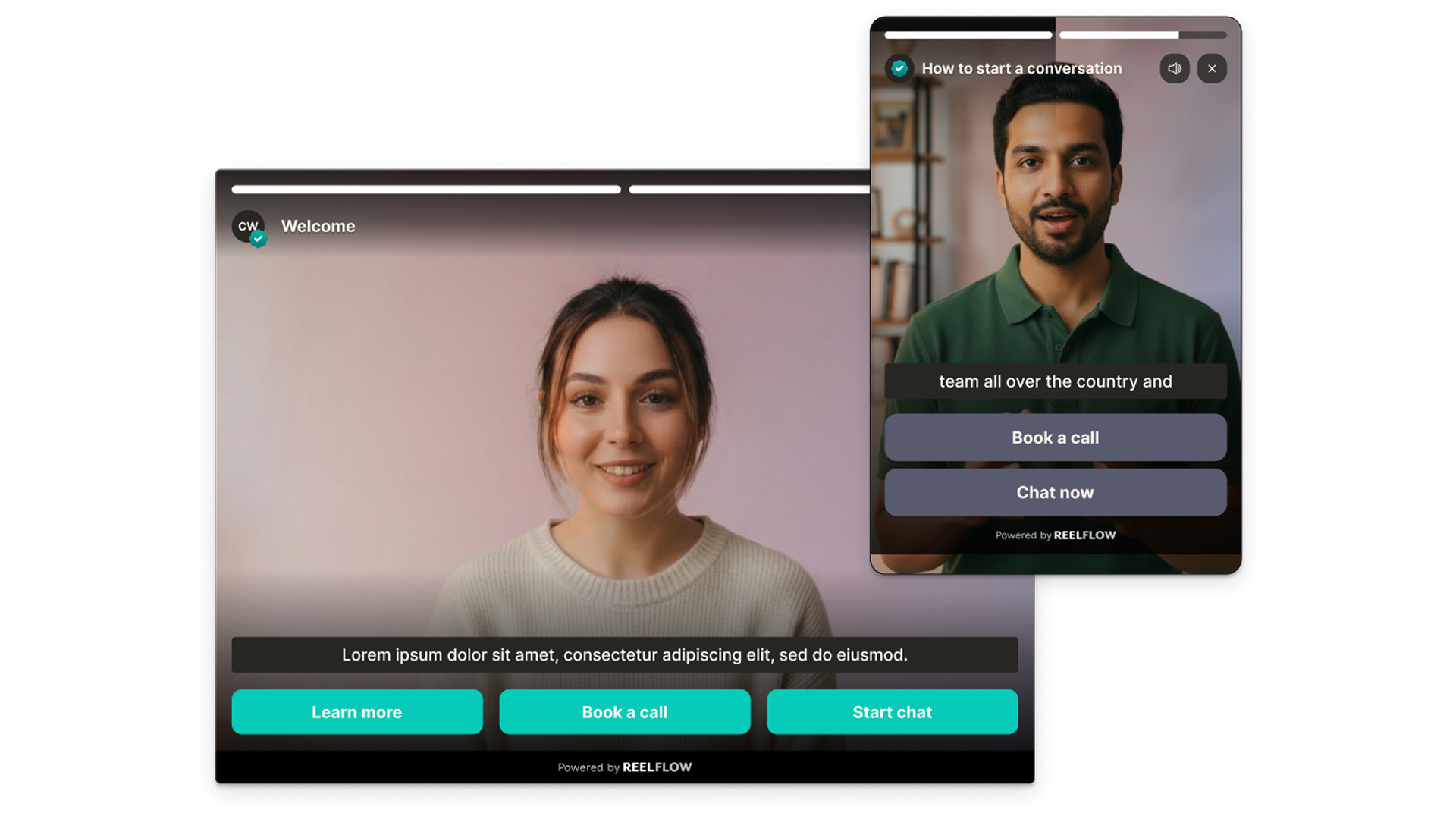
Built for how your buyers browse - including mobile.
B2B buyers are people and people love to consume video throughout their research journey - either on desktop or mobile. ReelFlow is fully responsive, so your story lands wherever your buyers are.
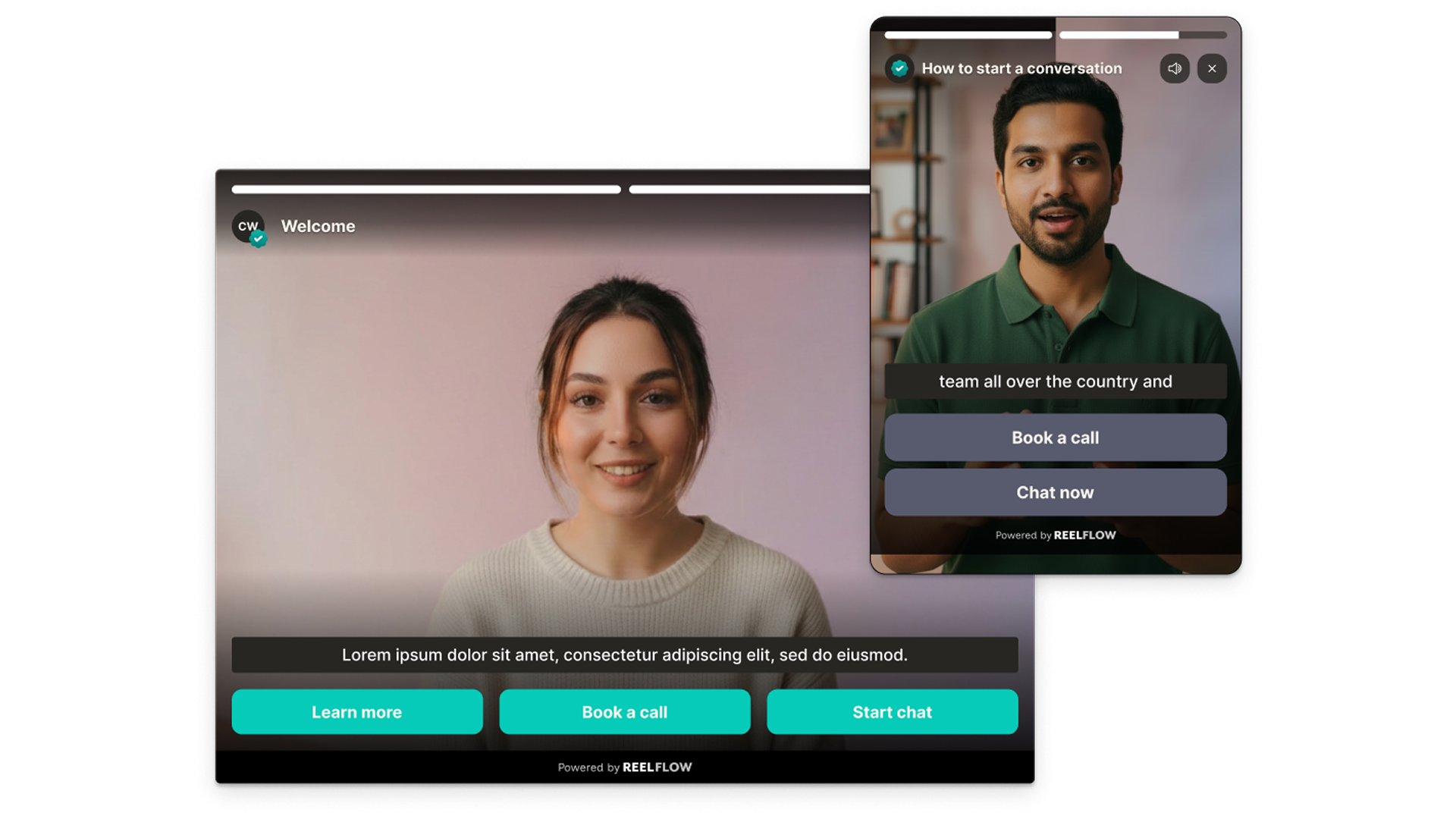
Embed video directly inside your page content.
The Inline Player sits within your page layout — in a product section, a landing page hero, or alongside key copy. It auto-plays when it enters the visitor’s view and invites them to choose their path forward.

Interactive video gets explored. Passive video gets ignored.
Interactive video keep visitors engaged longer by letting them self-select what’s relevant - improving engagement and conversion.
How ReelFlow prevents video cropping on mobile

Build
Design interactive paths directly on our intuitive canvas. Start with a proven template or build your own from scratch - just connect the steps and watch your flow come to life.

Create
You don't need a film crew to build trust. Record and upload your videos, and add to your interactive flows in minutes. Need help? Explore our video marketplace or upgrade to our AI Video Stand-In feature.

Launch
Paste our snippet of code into your CMS once and you're good to go. Publish our overlay or inline player, and update them whenever you need via the ReelFlow dashboard, without raising a developer ticket.

Performance
Track engagement patterns and conversion paths, with insights into how visitors navigate your video experiences.
Common mobile video display questions
The Inline Player is embedded directly within your page content — inside a product section or landing page, for example. The Overlay Player floats in the corner of the screen. Both offer the same interactive capabilities, but serve different placement and engagement patterns.
Stop cropping people out of mobile videos
ReelFlow's Reveal setting handles multi-person videos automatically. No rebuild required.