

Create personalized videos for different audiences without filming new content
Marketing teams struggle to create audience-specific video content at scale. ReelFlow transforms your existing scripts and audio files into personalized video messages delivered by real team members — no additional filming required.
Create personalized videos for different audiences without filming new content
Marketing teams struggle to create audience-specific video content at scale. ReelFlow transforms your existing scripts and audio files into personalized video messages delivered by real team members — no additional filming required.
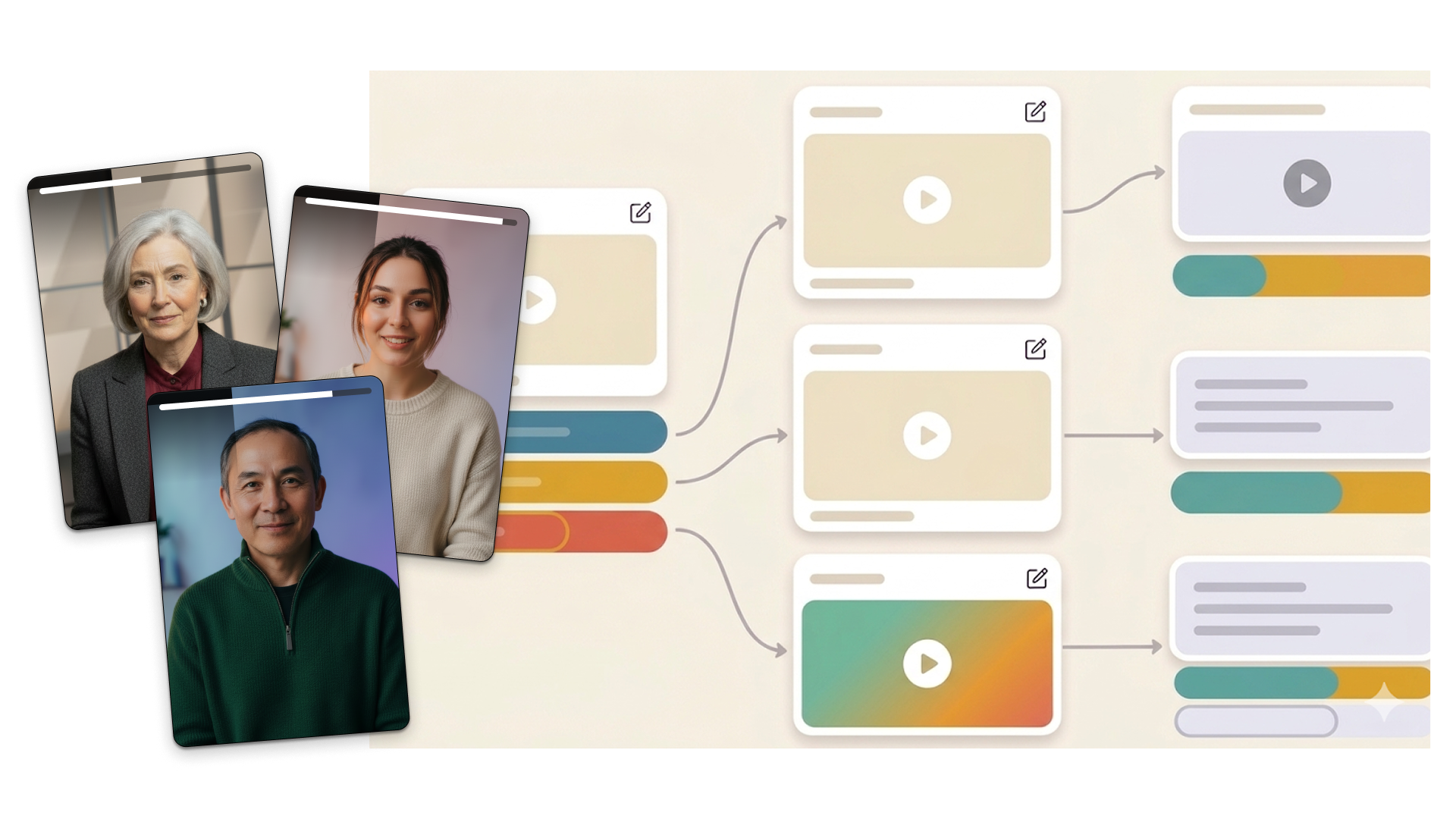

Scaling personalized video content without endless production cycles
Marketing teams need to speak differently to each audience segment, but creating multiple videos means multiple shoots, higher costs, and constant updates. ReelFlow lets you personalize videos for different audiences using your existing audio files and scripts — turning one recording session into unlimited targeted content.

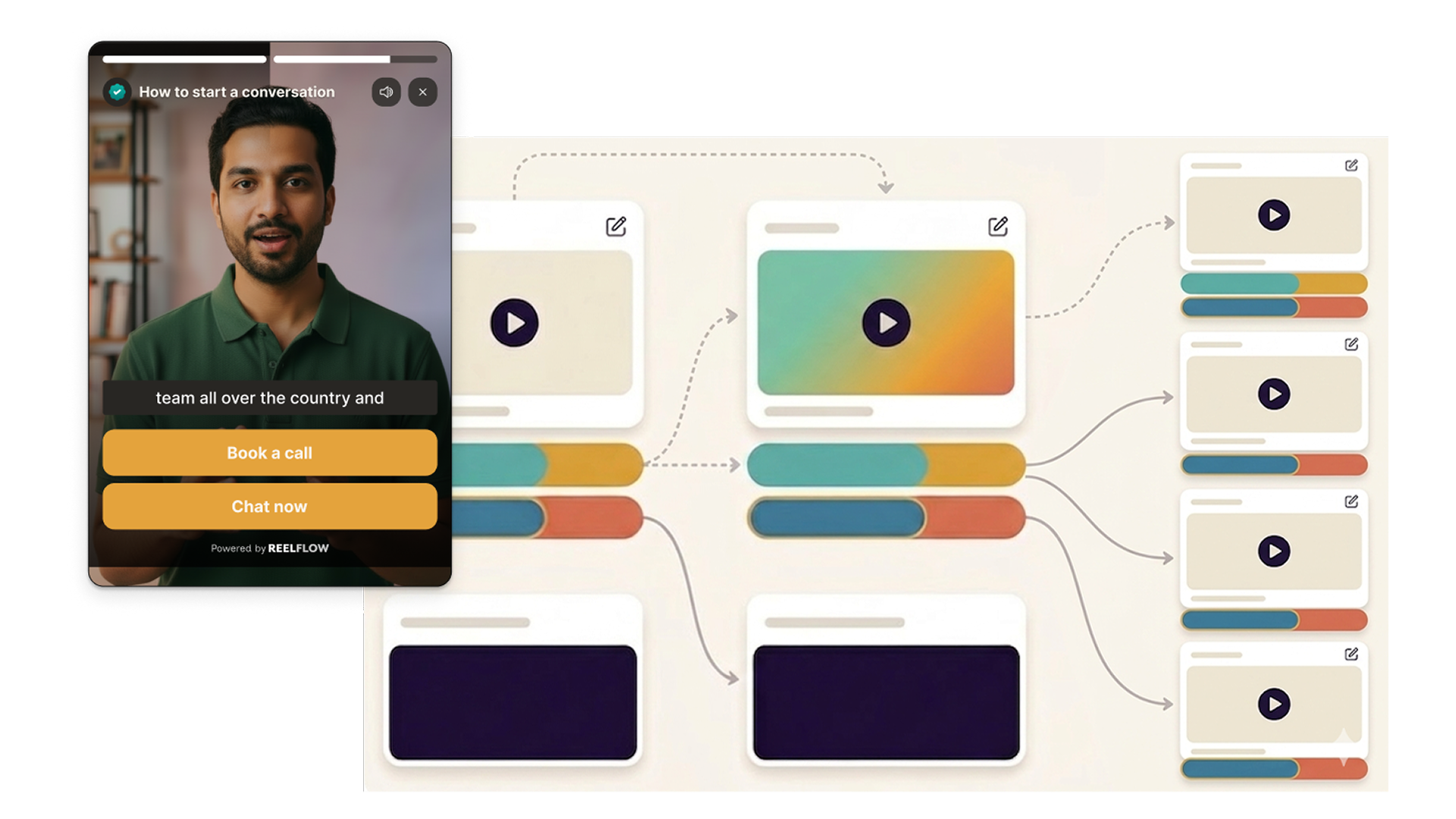
Generate video content without getting in front of a camera.
An AI Video Stand-In is a digital version of a real team member. Once trained on a short sample recording, it can deliver any script you write - producing new video content in minutes, not days.
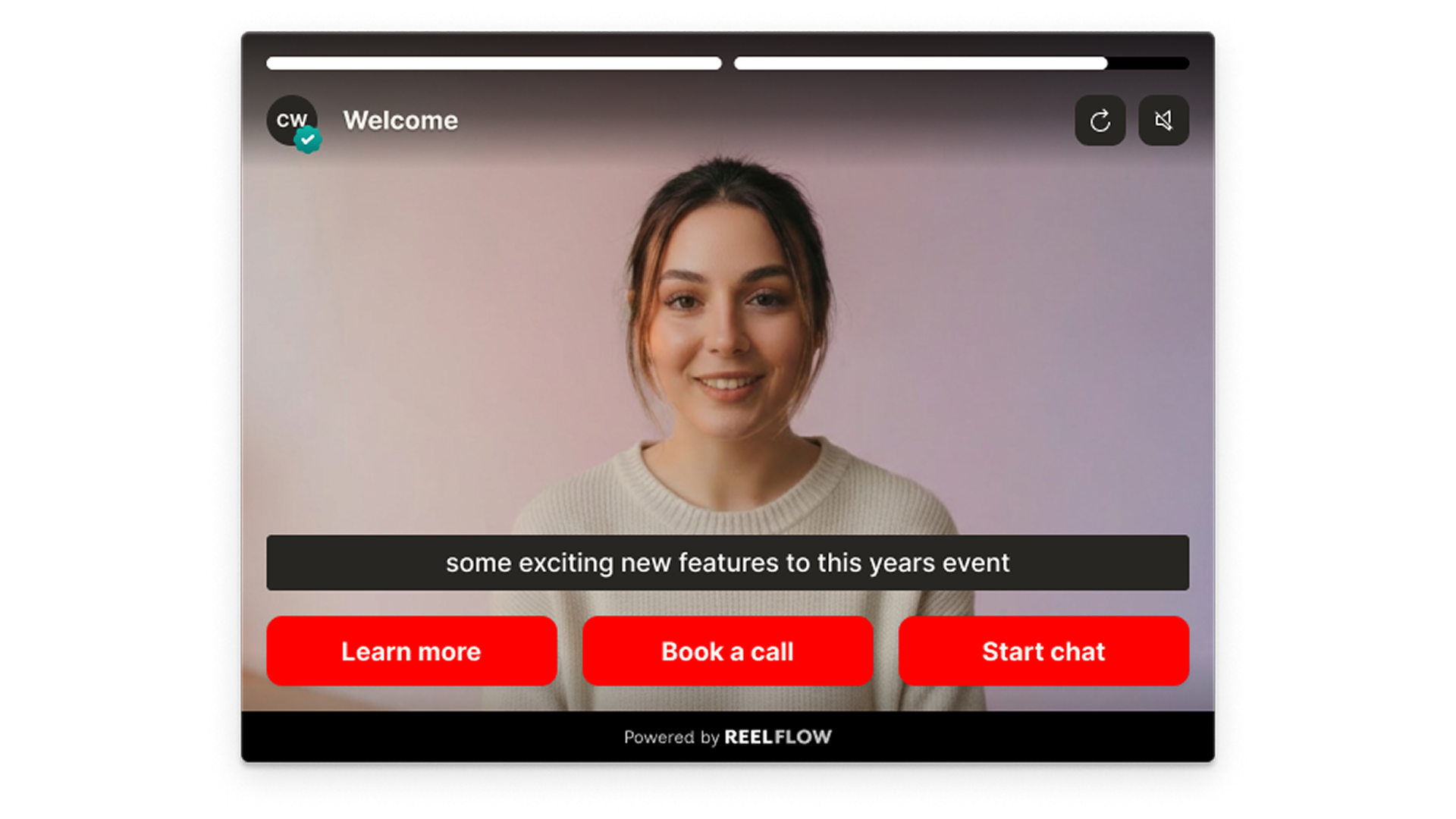
Let visitors choose their own path.
Each button in a Flow leads to the next step - another video, a page scroll, or a redirect. Visitors navigate based on what’s relevant to them, not what you want to show them first.
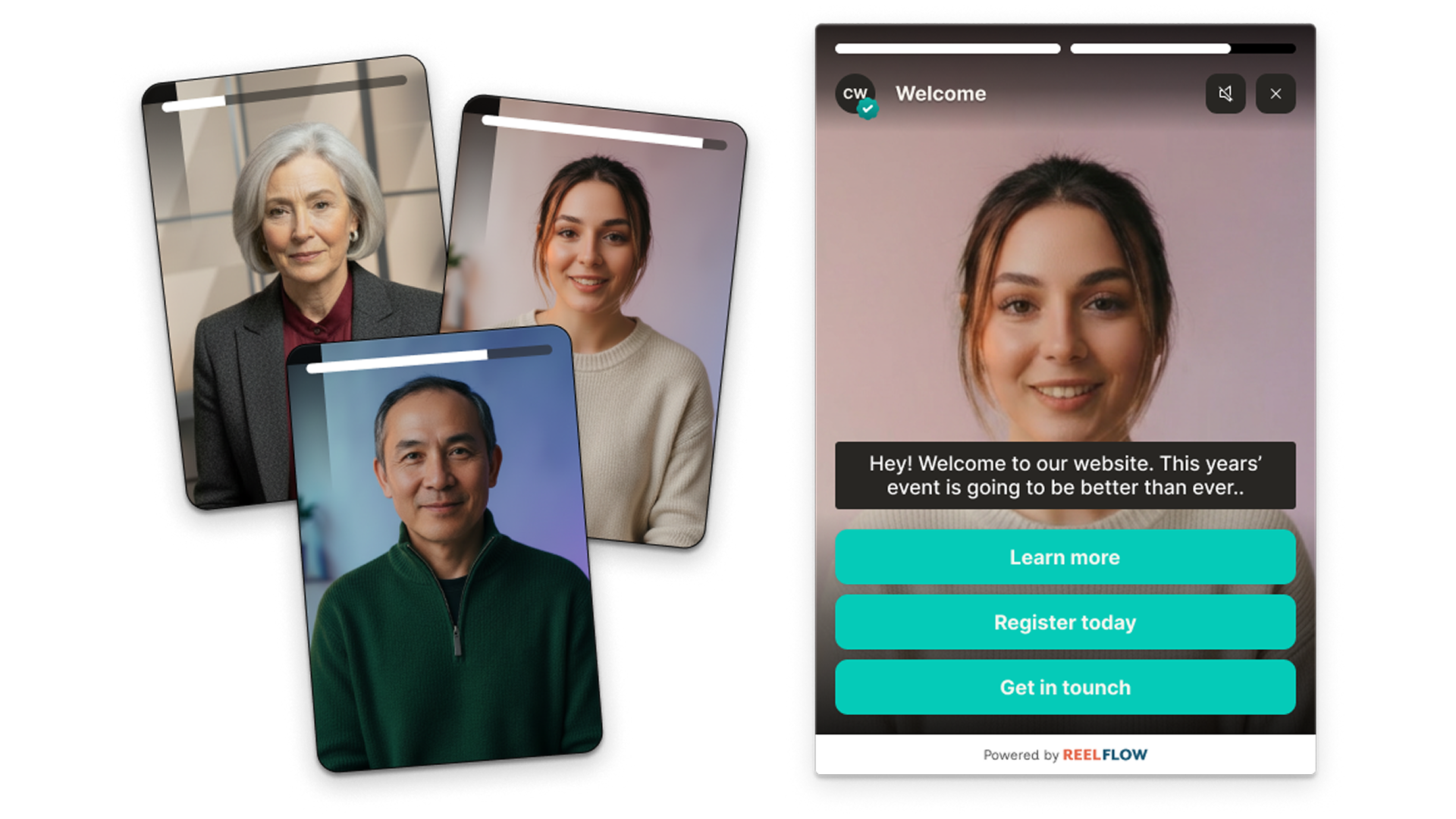
AI maps your website and suggests the best video journeys.
AI analyses your pages, identifies where buyers have questions or lose momentum, and suggests the most impactful places to add interactive video — with a proposed journey structure ready to build from.
How ReelFlow creates personalized video content at scale

Build
Design interactive paths directly on our intuitive canvas. Start with a proven template or build your own from scratch - just connect the steps and watch your flow come to life.

Create
You don't need a film crew to build trust. Record and upload your videos, and add to your interactive flows in minutes. Need help? Explore our video marketplace or upgrade to our AI Video Stand-In feature.

Launch
Paste our snippet of code into your CMS once and you're good to go. Publish our overlay or inline player, and update them whenever you need via the ReelFlow dashboard, without raising a developer ticket.

Performance
Track engagement patterns and conversion paths, with insights into how visitors navigate your video experiences.
Questions about video personalization?
You don't need a studio or expensive production agency to create great content. A well-lit room, a decent webcam, and someone on your team who knows the subject are enough to create video that converts. ReelFlow is designed to work with all types of recording outputs and budgets — in-house recordings, professionally produced content, or AI-generated video for teams that want to scale without going back in front of the camera every time. The quality that matters most to buyers isn't production value — it's authenticity.
Start personalizing video content today
Transform your marketing videos into audience-specific conversations that drive better engagement and results — no additional filming required.