

Automatic video captions for website accessibility — no manual work required
Developers shouldn't have to choose between shipping fast and meeting WCAG standards. ReelFlow generates automatic video captions and handles all accessibility requirements by default.
Automatic video captions for website accessibility — no manual work required
Developers shouldn't have to choose between shipping fast and meeting WCAG standards. ReelFlow generates automatic video captions and handles all accessibility requirements by default.


Making video accessible eats development time and creates compliance risk
Every video embed needs captions, proper keyboard navigation, and ARIA labels. Skip it and face user complaints. Do it manually and watch deadlines slip. ReelFlow automatically generates English captions for every upload and builds WCAG-compliant video players from day one.

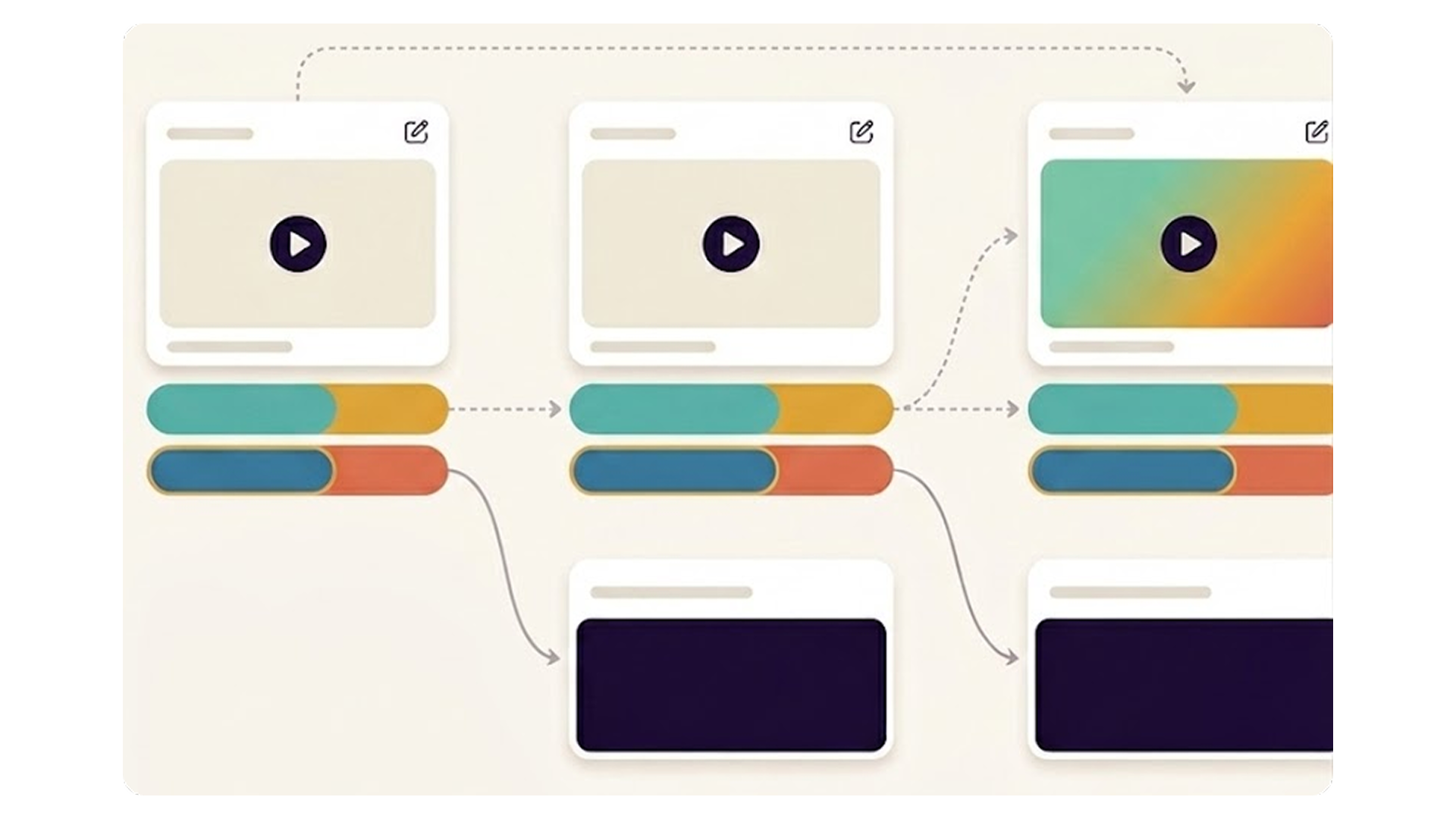
Captions generated automatically. Accuracy guaranteed by you.
Every video uploaded to ReelFlow gets automatic English captions. You review them in the Caption Editor before publishing - ensuring accessibility, search performance, and a polished visitor experience every time.
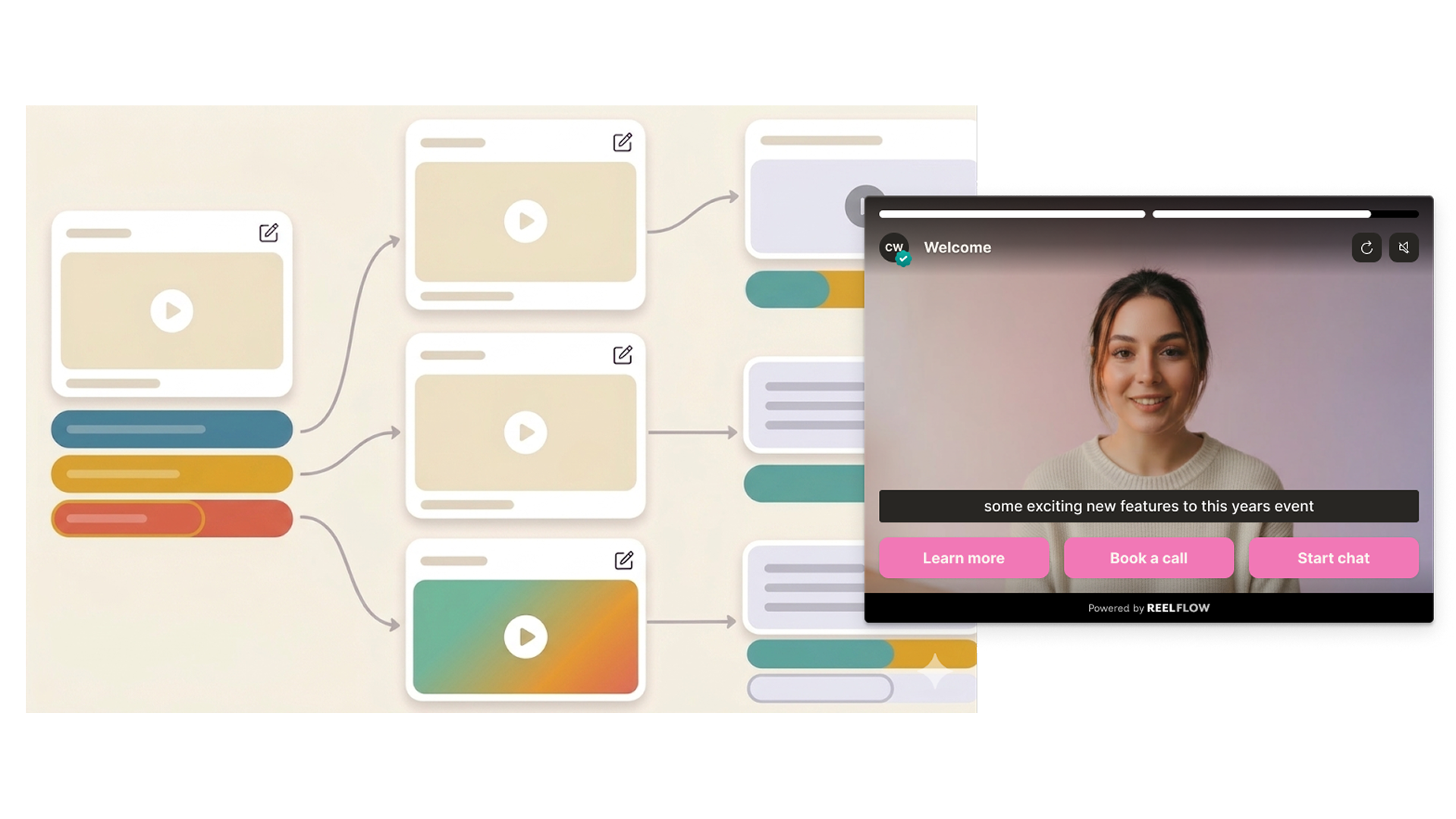
Install once via Google Tag Manager. No developer required.
ReelFlow can be deployed via Google Tag Manager alongside your existing scripts - including Google Consent Mode for GDPR-compliant setups. One tag powers every Flow across your entire domain.

Fix declining website performance
ReelFlow adds a personal touch that turns passive visits into active buying journeys - lower bound rates and higher time on site, pages per vist and conversion.
Four steps to WCAG-compliant video — zero accessibility audits

Build
Design interactive paths directly on our intuitive canvas. Start with a proven template or build your own from scratch - just connect the steps and watch your flow come to life.

Create
You don't need a film crew to build trust. Record and upload your videos, and add to your interactive flows in minutes. Need help? Explore our video marketplace or upgrade to our AI Video Stand-In feature.

Launch
Paste our snippet of code into your CMS once and you're good to go. Publish our overlay or inline player, and update them whenever you need via the ReelFlow dashboard, without raising a developer ticket.

Performance
Track engagement patterns and conversion paths, with insights into how visitors navigate your video experiences.
Automatic captions questions
Yes. Captions are automatically generated when you upload a video. You can review and edit them in the Caption Editor before publishing. A Flow cannot be published until all captions have been reviewed by a human — this is a requirement, not optional.
Get accessible video without the development overhead
Join B2B websites already using ReelFlow for compliance-ready video embeds. No rebuild required.